 Chamber Culture
Chamber Culture
Chamber Culture
Every screenshot on this page is a live capture from the demo chamber, not a mockup, so you can click into the same demo yourself whenever you want.
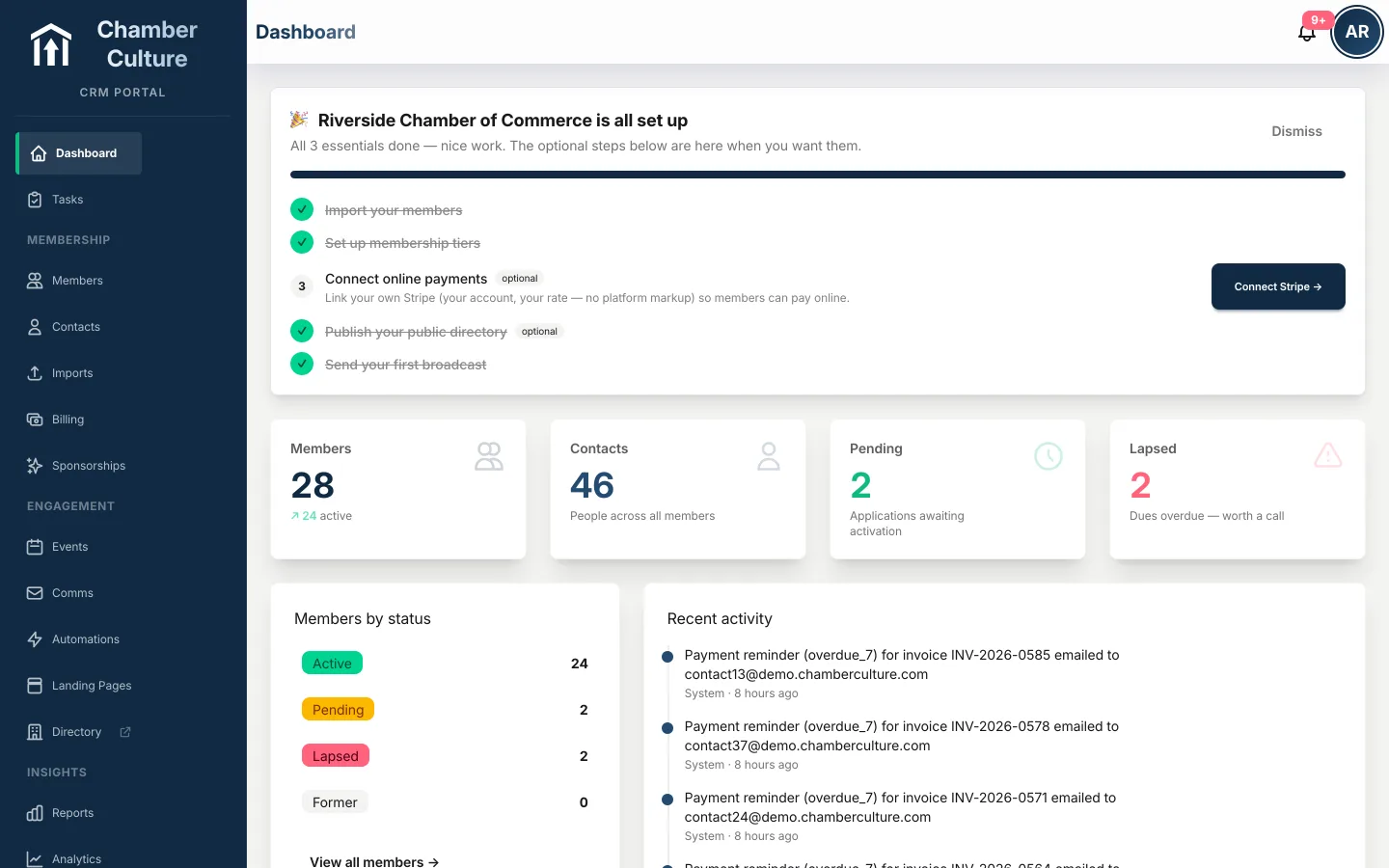
Open the day to what matters: visits, unread messages, new subscribers, and what changed while you were out. At-risk members and overdue dues surface themselves, so the first coffee of the day comes with a to-do list you did not have to write. See pricing → How the at-risk signals are calculated →
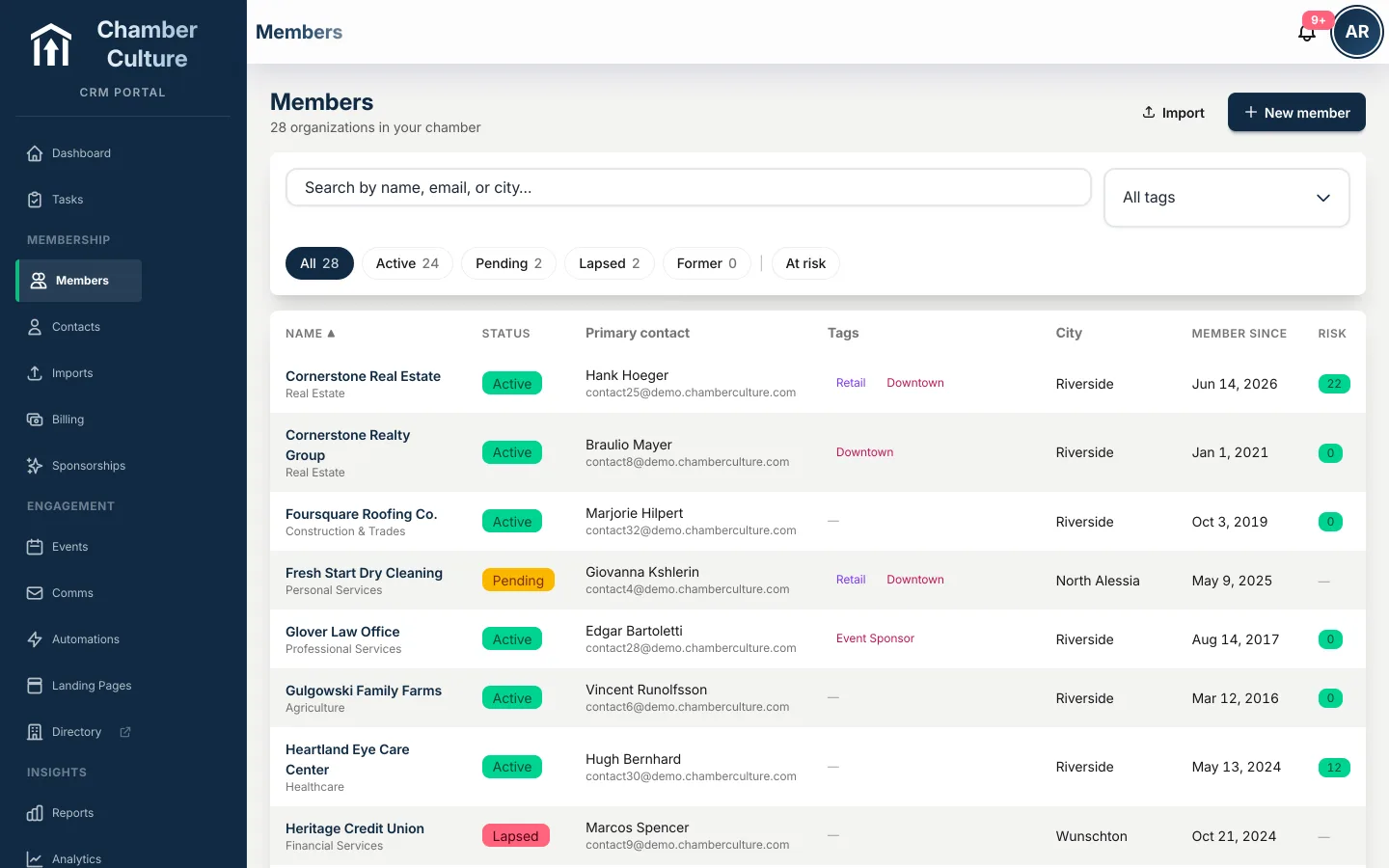
Every business, every contact, every note and renewal in one place, with tags, tiers, custom fields and a full activity timeline. Filter to active, pending, lapsed, or at-risk in one click, so you catch a member about to churn before the renewal invoice does. See what a chamber CRM should do, or compare us to GrowthZone → Duplicate businesses are flagged before they're created: names that match after folding case, punctuation and legal suffixes, or differ by two characters, or share an email or website domain. Merge two records with one click and every contact, invoice, payment and registration follows. Start a member record from a business's website and the details fill themselves in; a Facebook Page works just as well when the business doesn't have one.
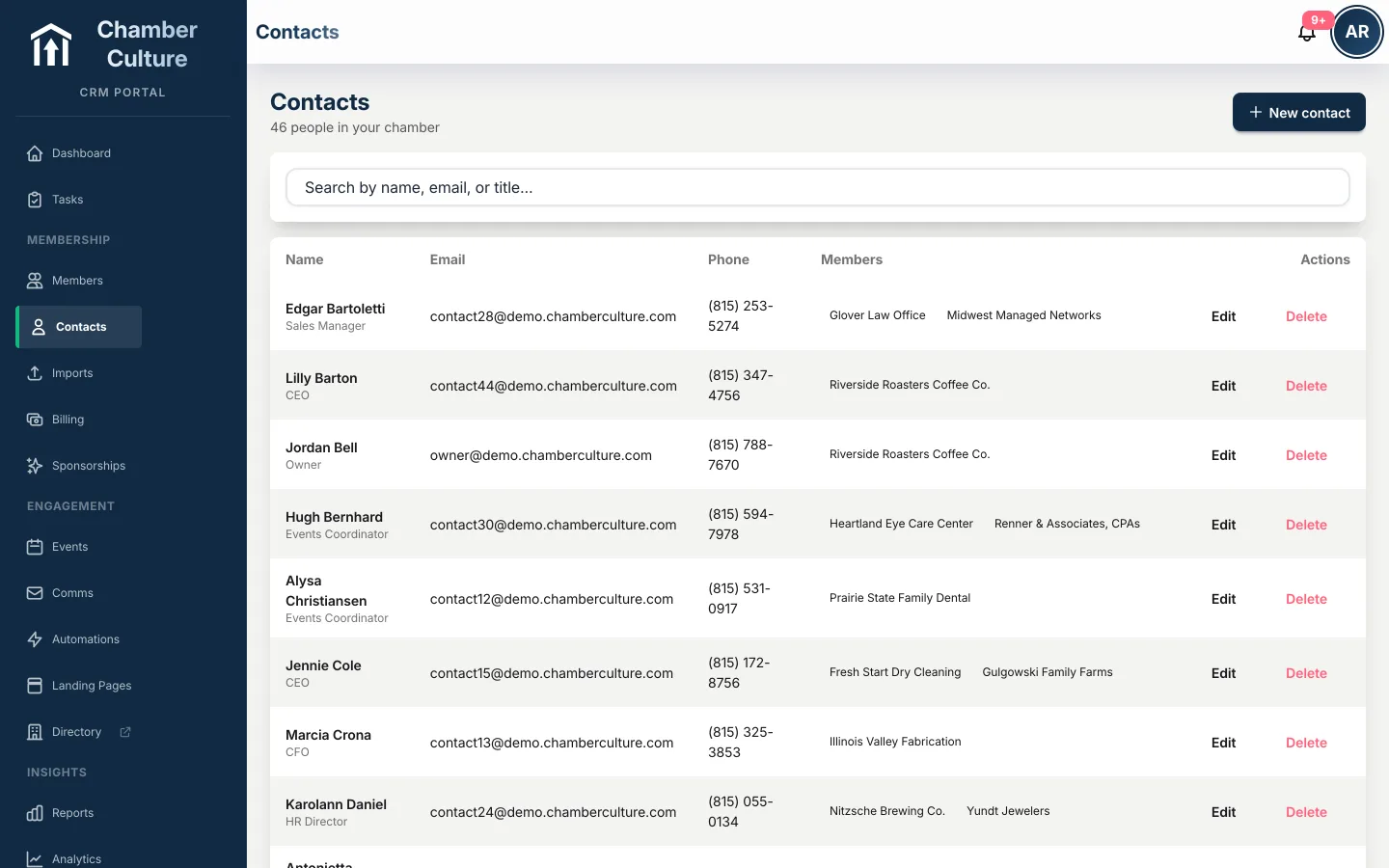
Owners, managers, billing contacts: people move, and your records follow them. Each person links to their organizations so nothing gets lost when someone changes jobs.
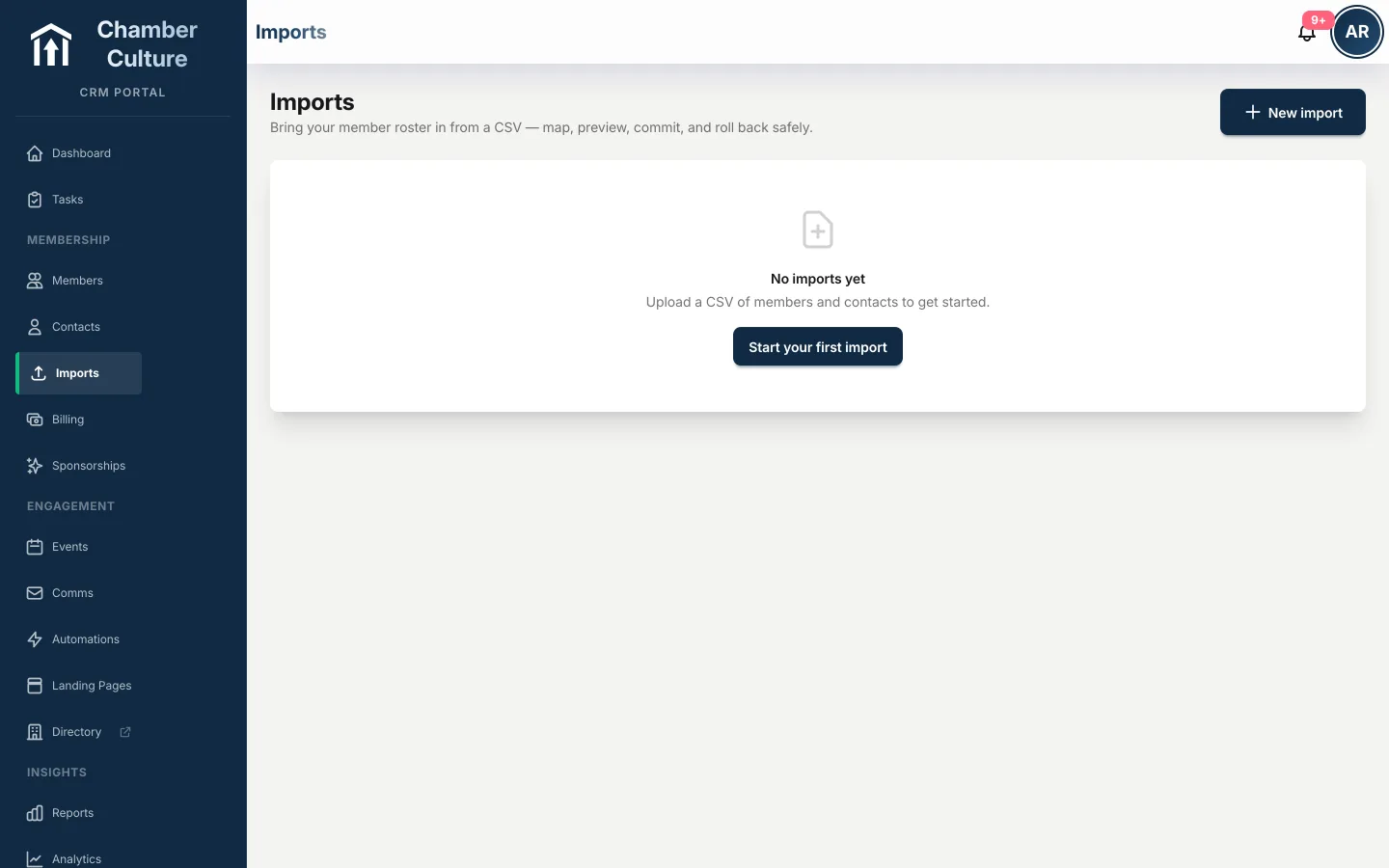
Bring your data from GrowthZone, ChamberMaster, Wild Apricot or a spreadsheet. AI maps your columns, a practice run shows exactly what will happen, and one-click undo makes it safe to try. see how migration works →
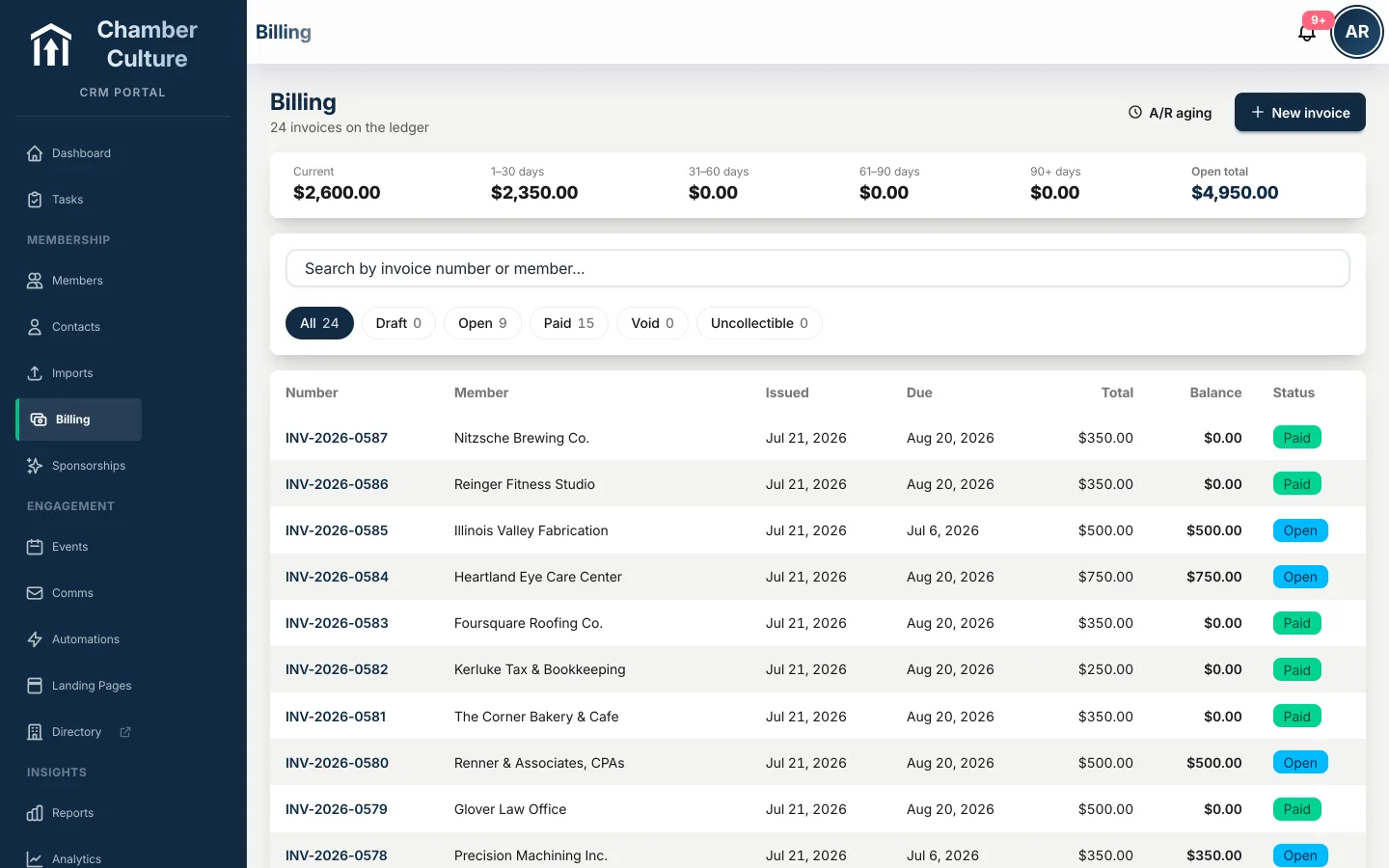
Auto-renewals, tamper-proof invoices, PDF receipts, and aging you can actually read. Payments run on your own Stripe, PayPal, Authorize.Net, Elavon, and for the Philippines Maya and PayMongo account: your rates, your money, and it never touches ours. Any invoice can also be paid from a link, with no login. Every invoice and pay page also carries bank transfer and cheque instructions with the invoice number as the reference, so offline payments reconcile with one click, and a grace period per chamber (30 days by default, 60 if that's how you work) gives a slow payer room before they lapse. See the gateways → More on dues billing software → New members can join and pay their first-period dues online too, in a checkout white-labeled in your chamber's own logo and brand color with a link back to your site, or you can review the application before invoicing: approve it and the dues invoice goes out with the quantity and auto-renew choice the applicant made, or decline with a reason.
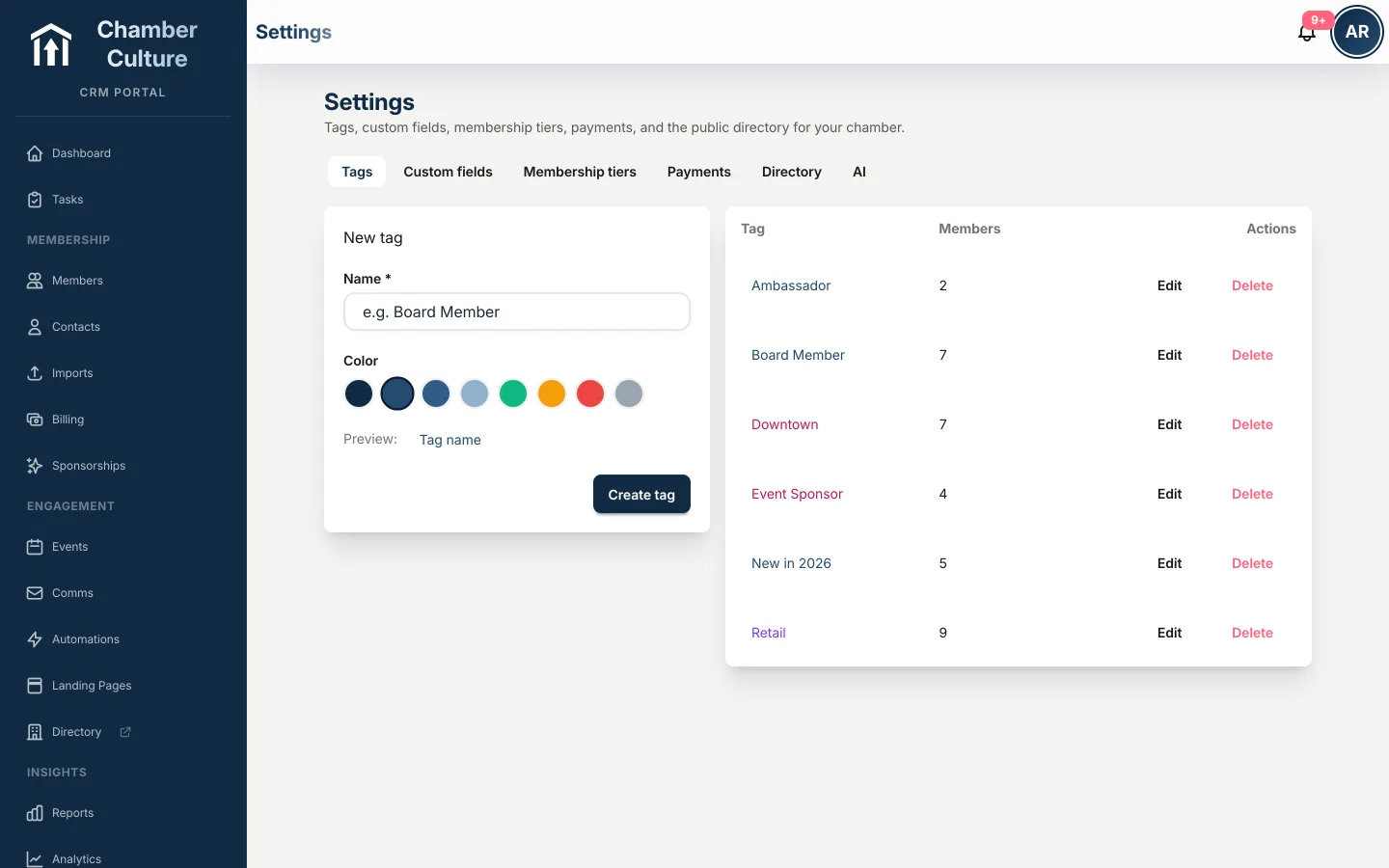
Mailchimp and Constant Contact stay current automatically, so you keep the email tools you already know, and an open API with signed webhooks is there when your web developer wants one. A Zapier connection reaches Google Sheets, Slack and thousands of other tools with no developer at all. QuickBooks Online two-way sync keeps your books and your member records in step, both directions. See every integration → Download the 2-page overview →
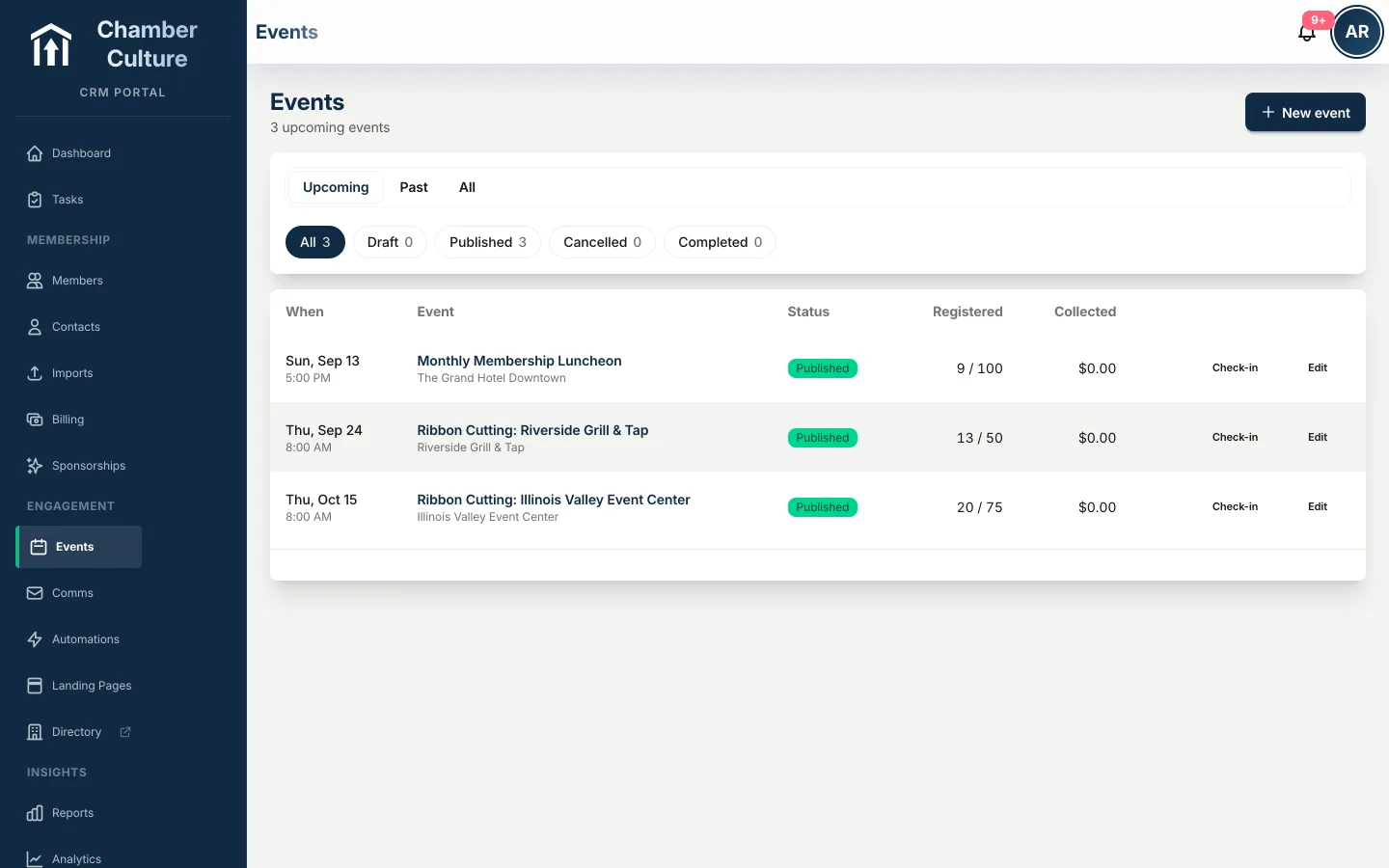
Luncheons, mixers, ribbon cuttings, the annual gala: build the event, set member pricing, and watch registrations roll in. Turn on guest checkout and a non-member can register and pay without creating an account, at your non-member rate, and still arrive as a clean record with an invoice. QR check-in closes the loop at the door. A sold-out event gets a waitlist with automatic promotion: when a seat frees up, the next person is registered and emailed their ticket, or emailed a first-come link if you'd rather promote by hand, with an oversell allowance for when the venue finds more chairs. More on chamber event management software →
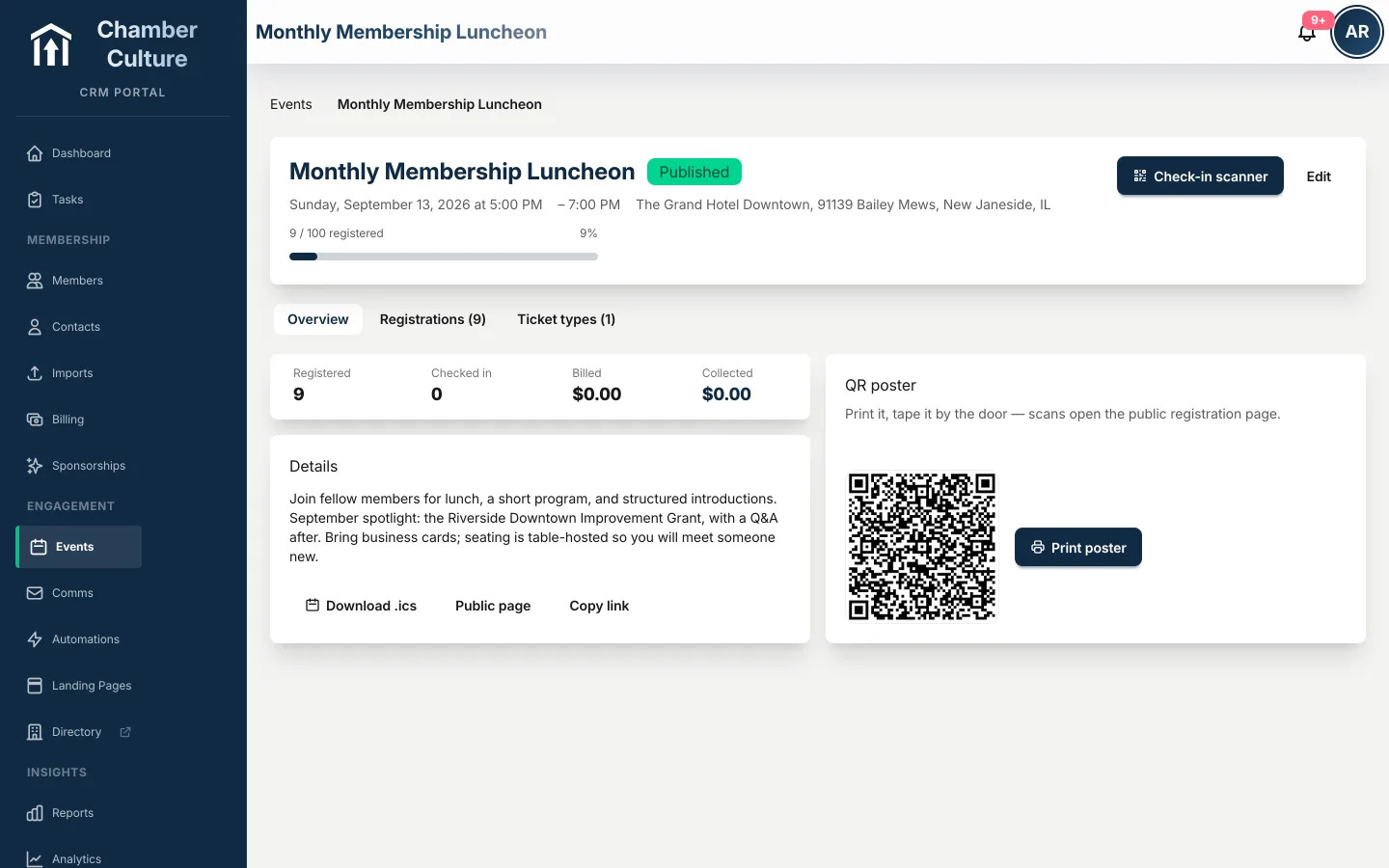
Every event gets a printable QR poster. Tape it by the door, drop it in the newsletter: every scan opens the public registration page, and member pricing applies automatically.
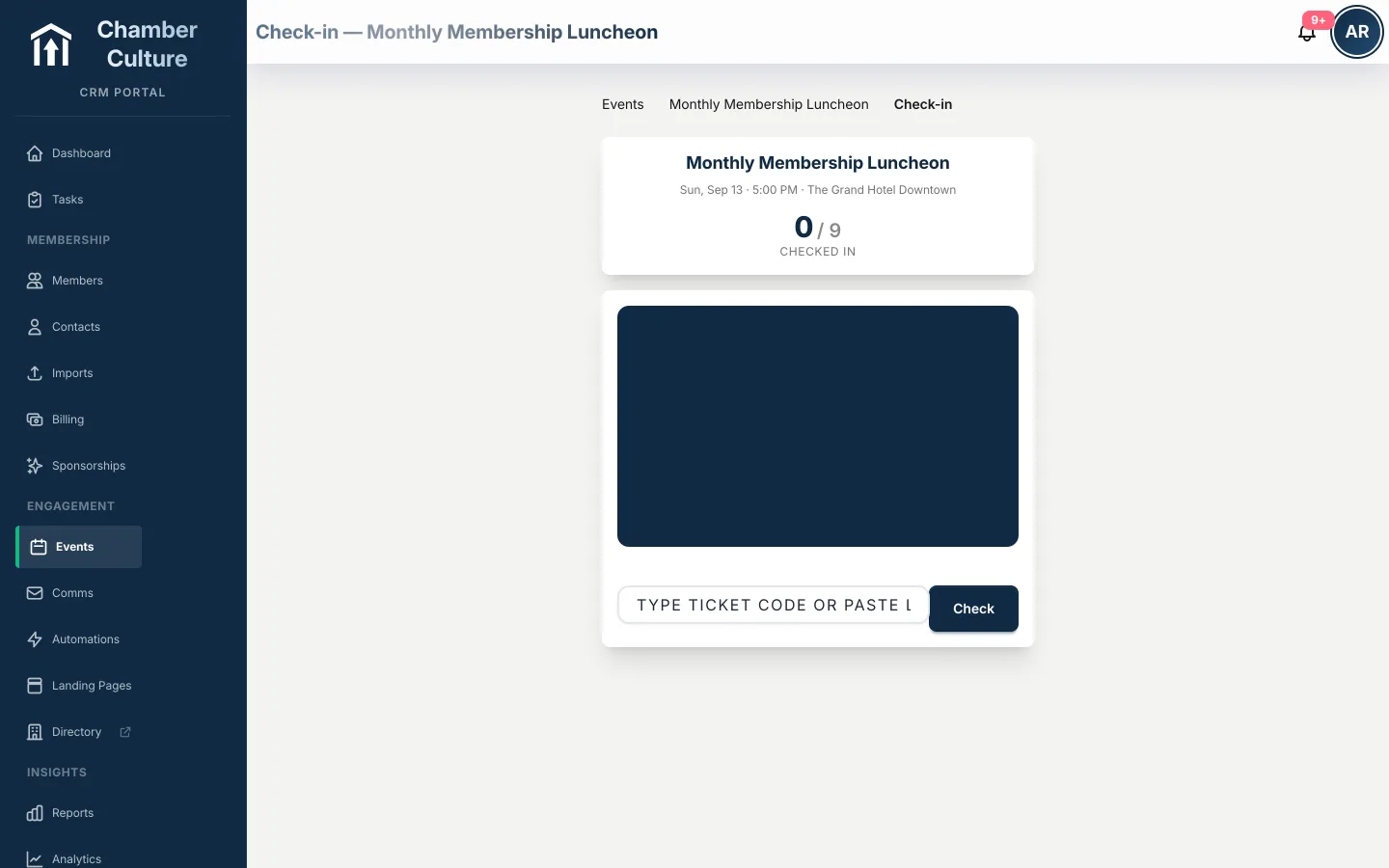
At the door, staff point a phone camera at each ticket and guests are in. No app to install, no printed lists, and the headcount updates live.
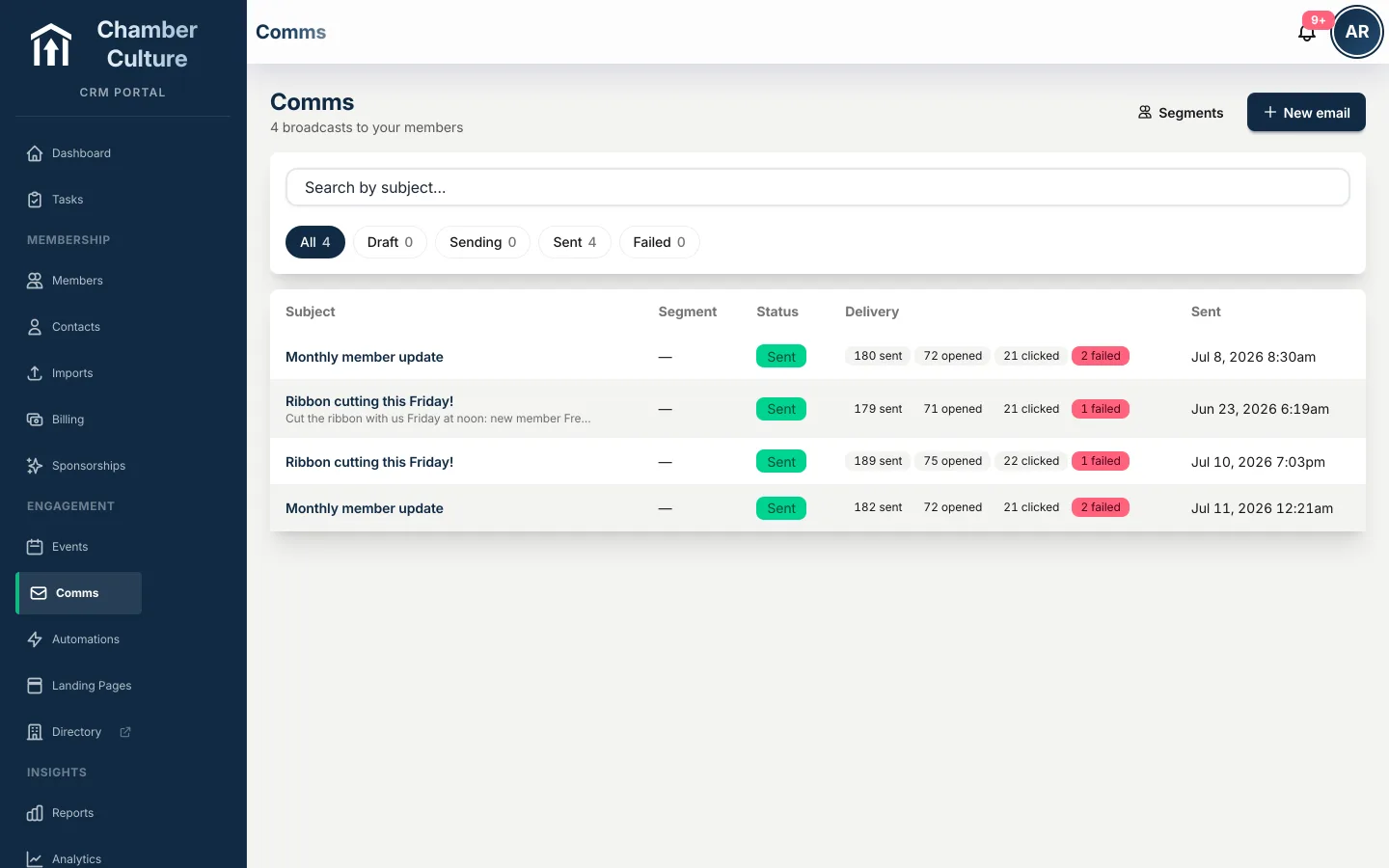
Segment your audience, design with drag-and-drop blocks, and see who opened and clicked. Dynamic blocks like "new members this month" and member anniversaries insert themselves, and every send tracks delivery so you know what landed.
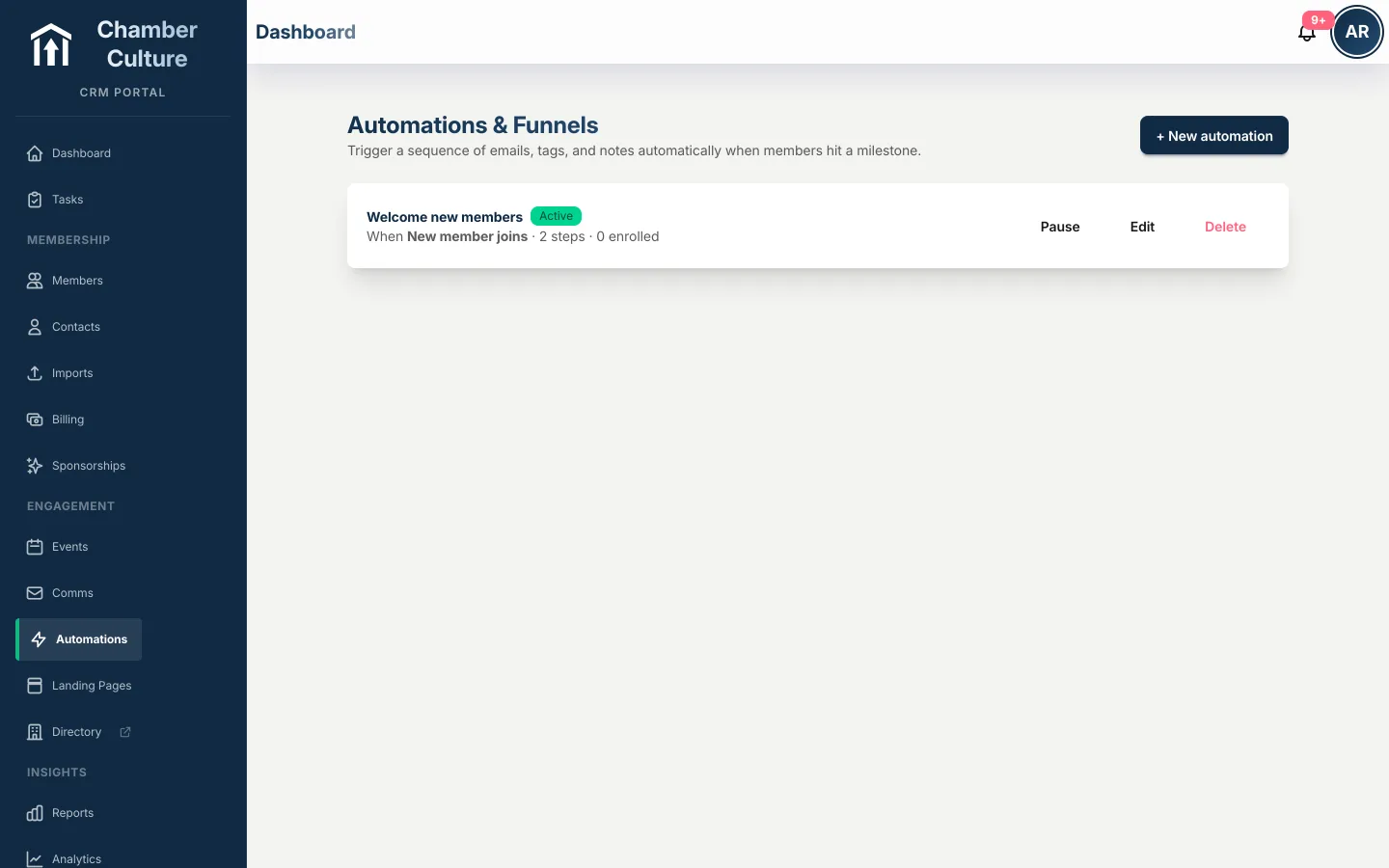
Welcome series for new members, renewal reminders before dues lapse, nudges after events. Set them once and they run themselves.
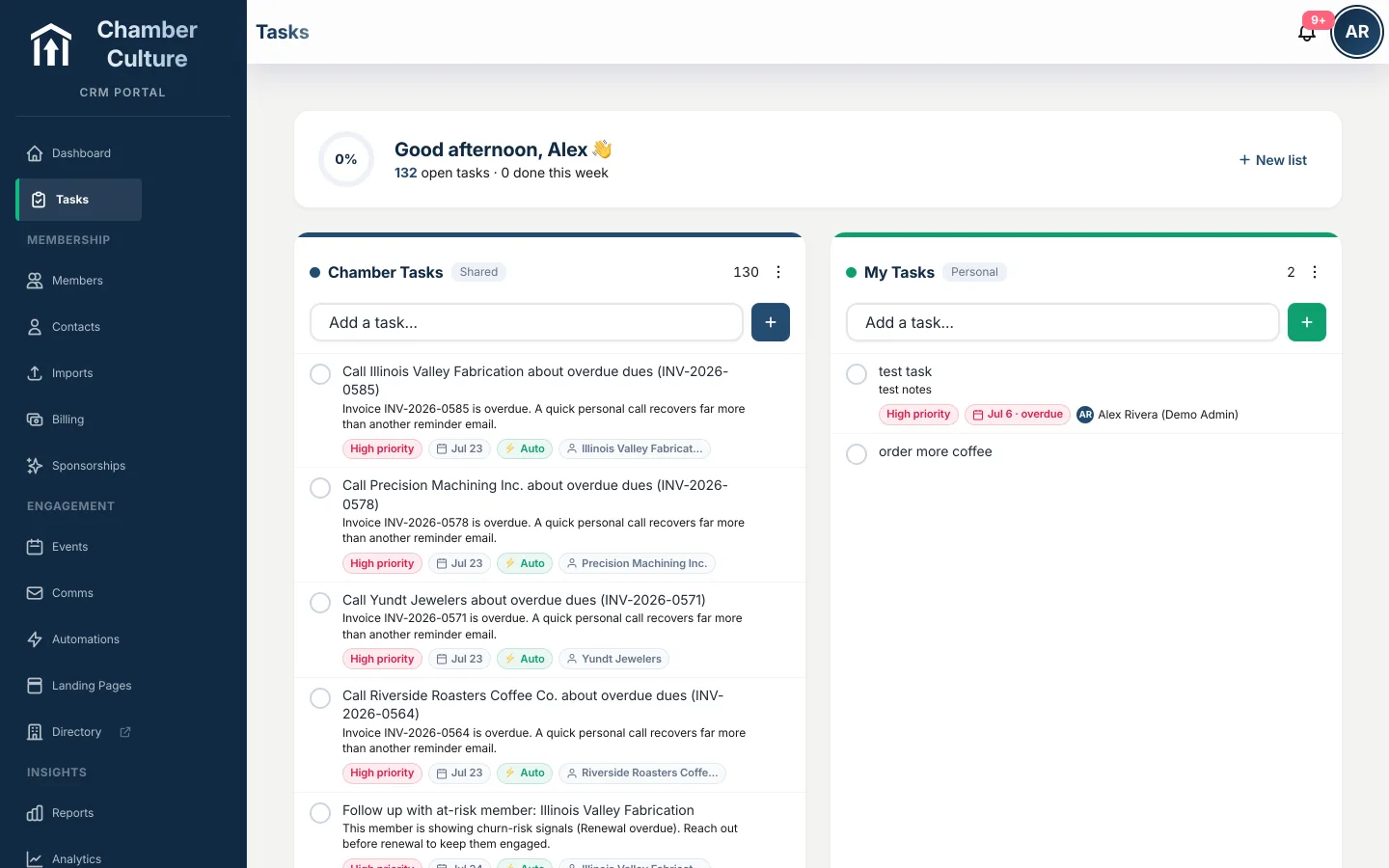
Shared and personal to-dos for your team, and the CRM adds its own: call the member whose dues are overdue, welcome the business that just joined. Nothing depends on someone remembering.
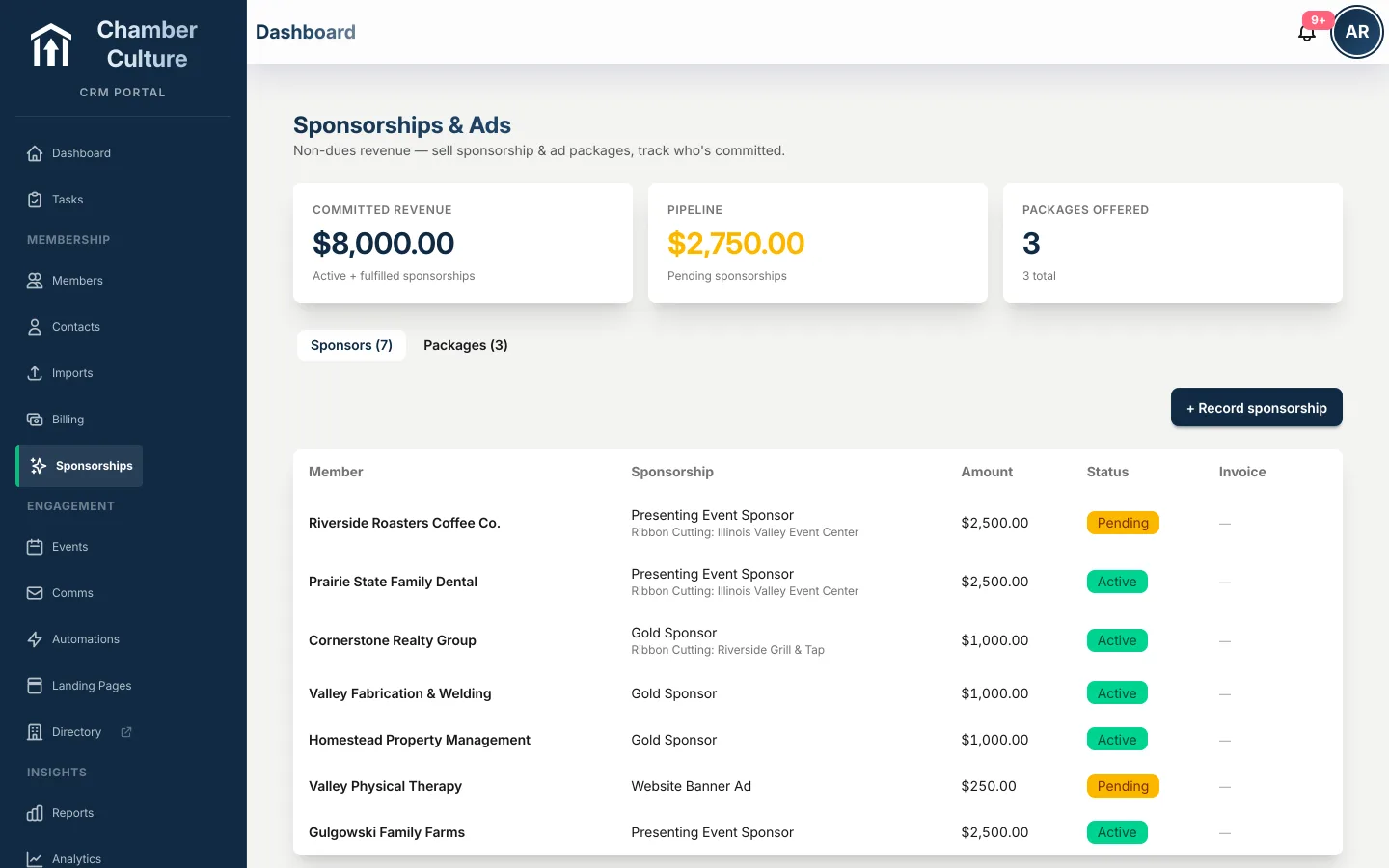
Sell and track sponsorships and packages from one screen, with invoicing built in. Know what is sold, what is open, and what is owed. more on non-dues revenue →
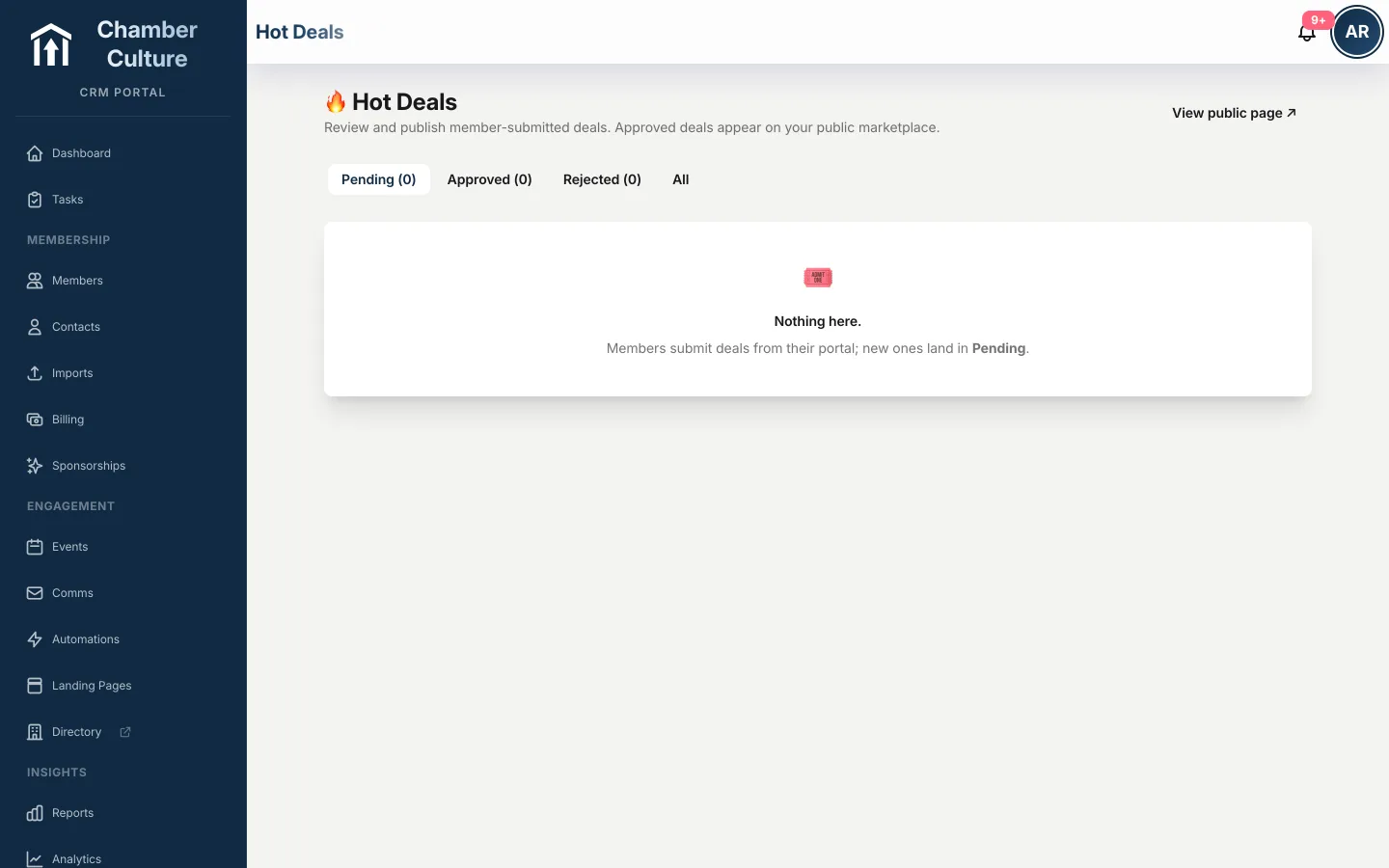
Members submit deals, job postings, MarketSpace classifieds and announcements; you approve with one click, and they appear on your public directory and website. Member value they can see.
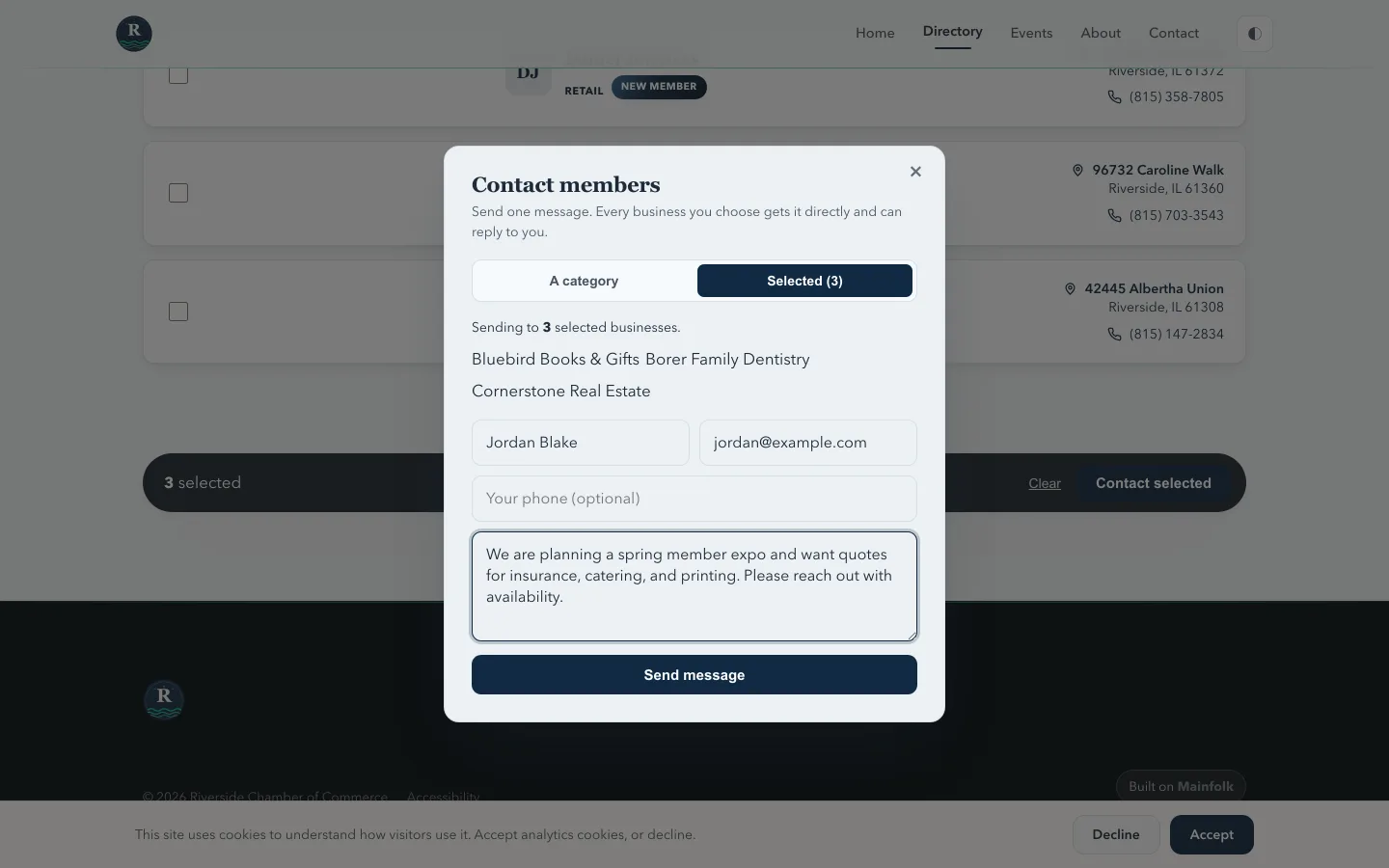
A prospect searching your directory sends one message to a whole category or a hand-picked list of businesses. Every lead lands in the member's portal, marked viewed and responded, and rolls up into reporting you hand your board: exactly how many leads the directory drove this month, by category and by member.
Every one of those businesses has a real page of its own — photos, video, hours, highlight links — on your domain, described in full LocalBusiness structured data so search engines and AI assistants can read it. Open a live member page →
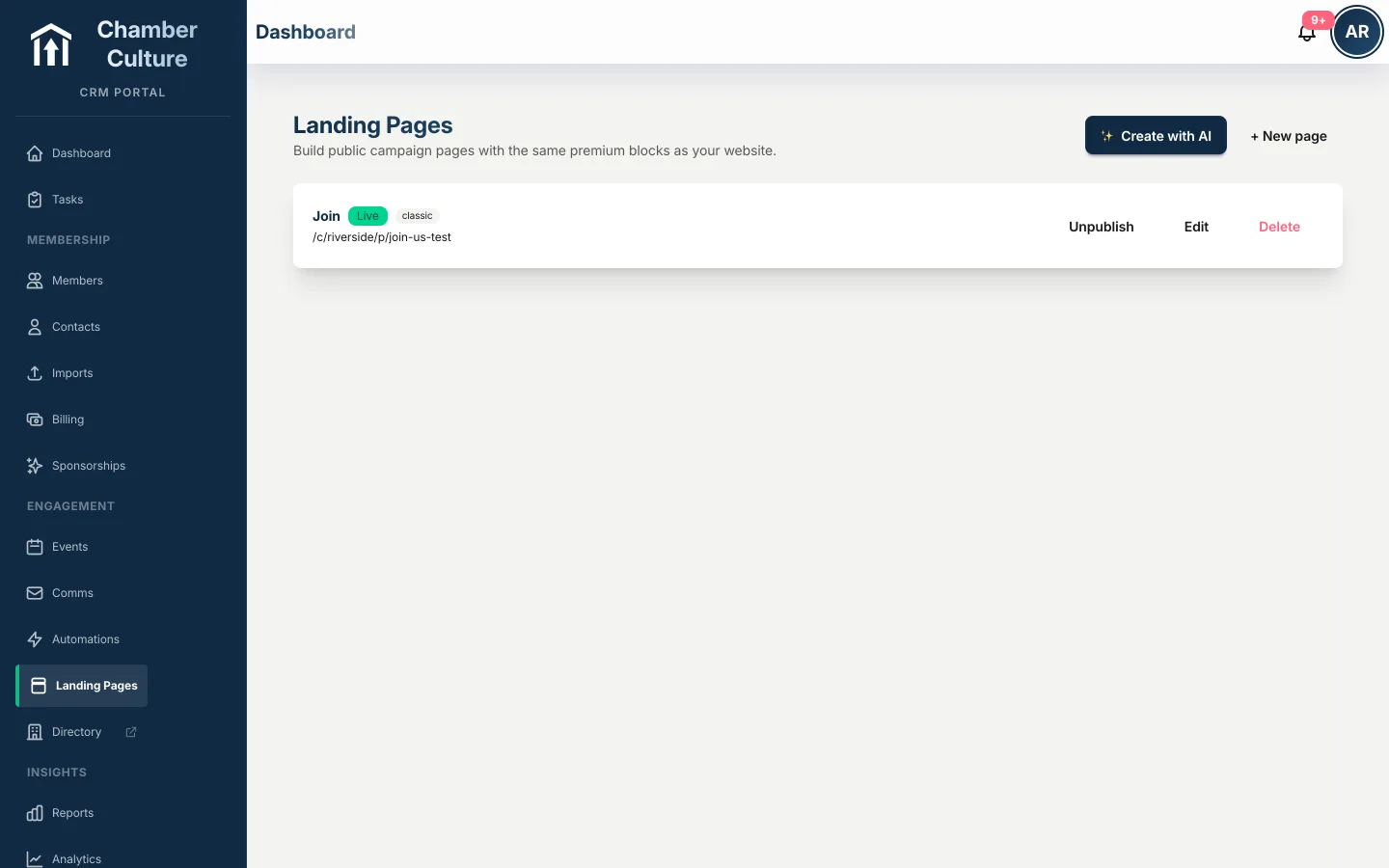
Spin up a page for a campaign, a program, or a sponsor in minutes, on your own domain, matching your brand.
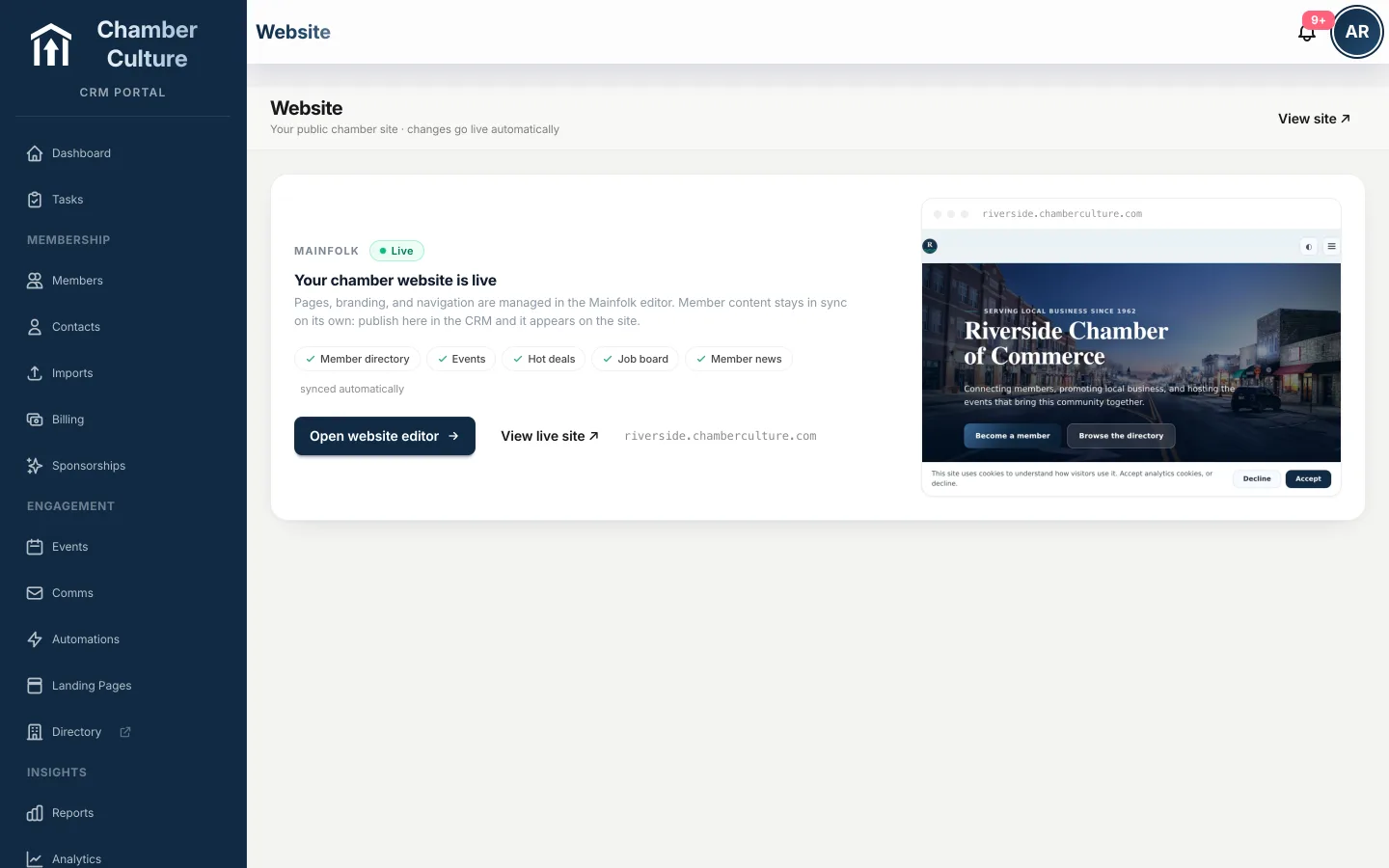
Your public site pulls the directory, events, deals and news straight from the CRM. Update once, published everywhere, nothing to copy across.
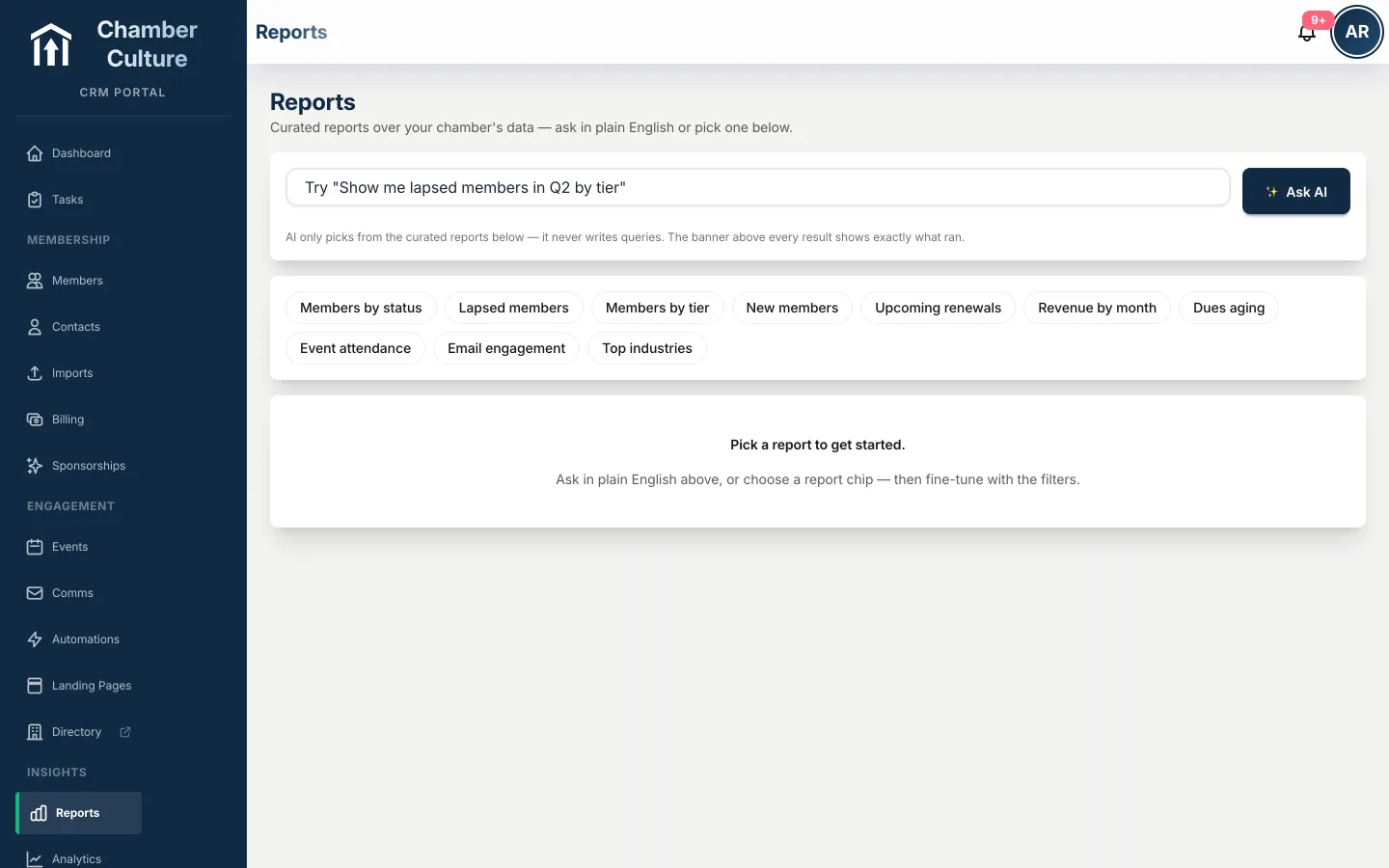
Ask "show me lapsed members by tier this quarter" and get the report. Retention, cancellation reasons, member longevity and referral sources are built-in reports, not something you build yourself. Dashboards your board will actually read, no spreadsheet gymnastics.
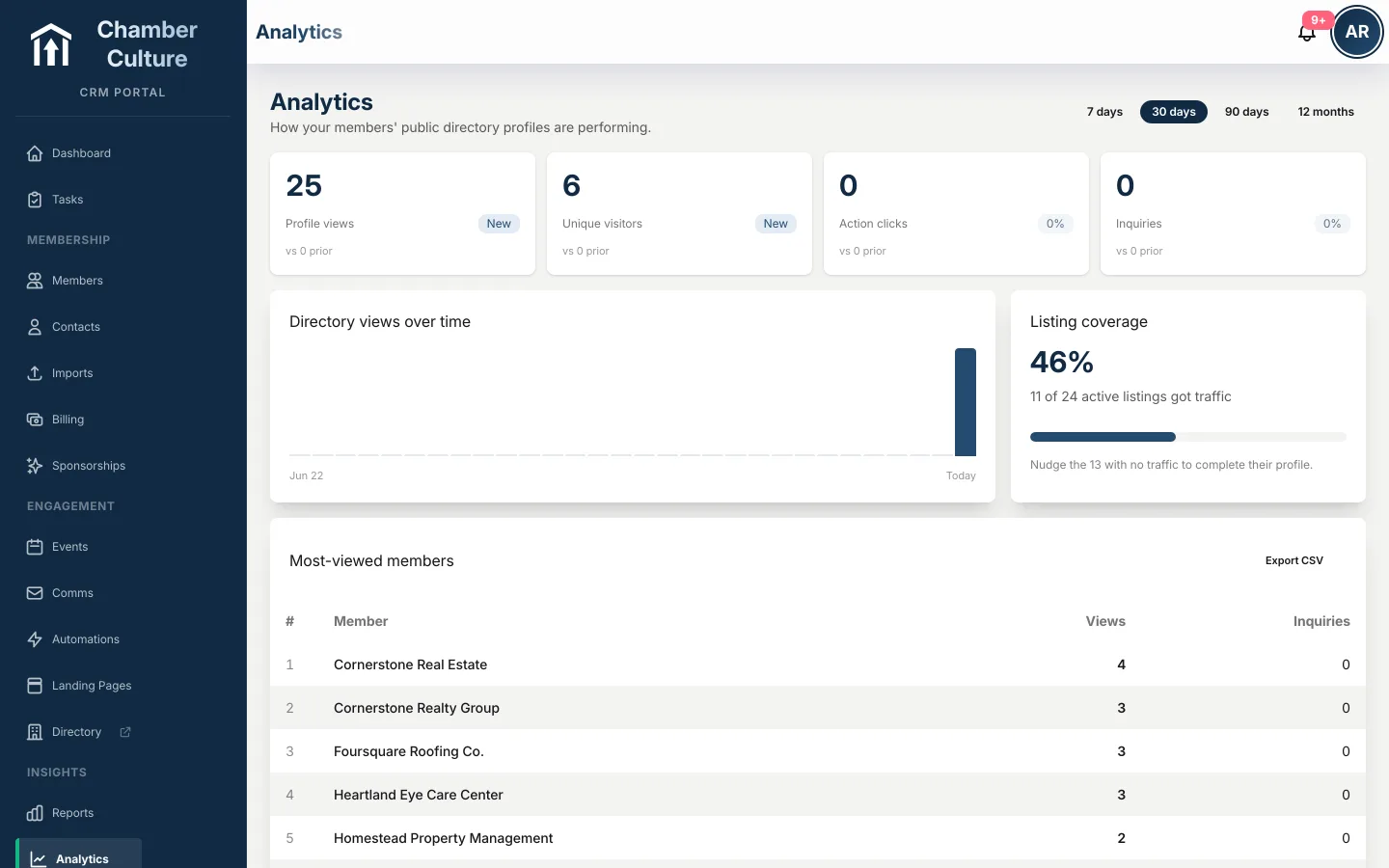
Membership growth, event attendance, email engagement and revenue in one view, so board meetings start with answers instead of homework.
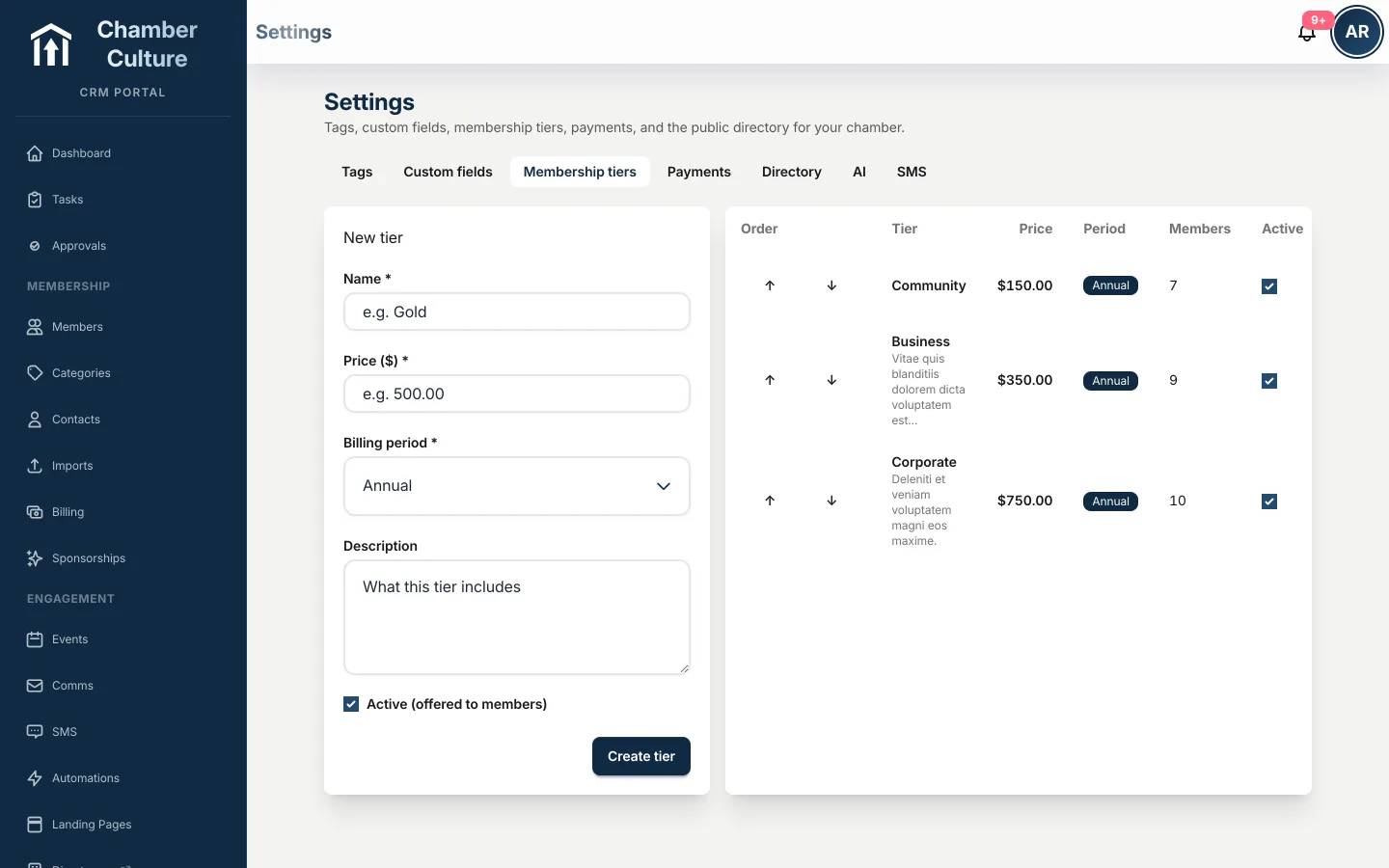
Define what each membership tier includes: free event tickets, newsletter ad credits, directory upgrades, whatever your chamber offers. Usage tracks itself, and every member gets a plain "what your dues buy" statement, so renewal is an easy yes.
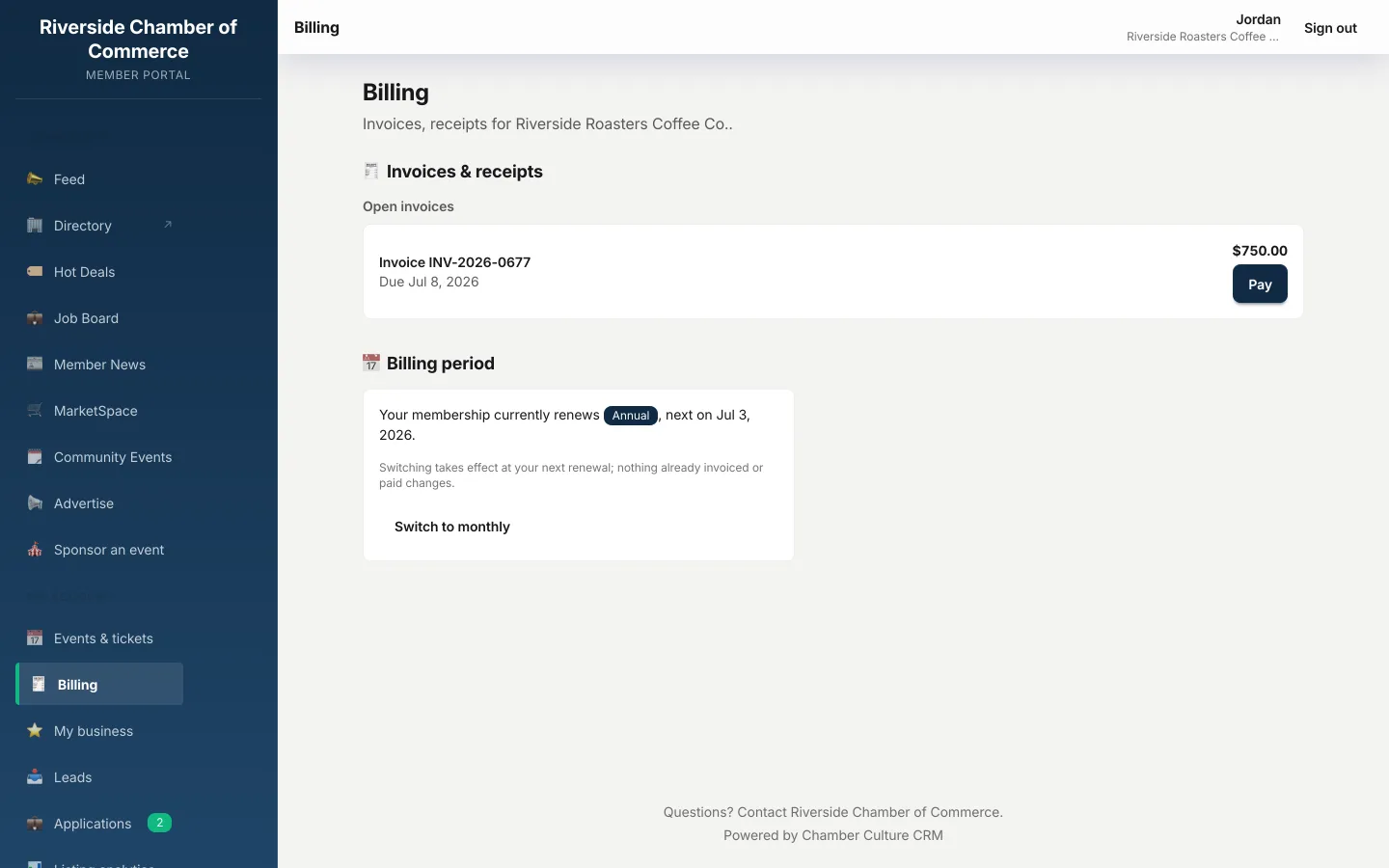
Members save a card, opt into autopay, and switch between annual and monthly billing on their own. Renewals collect themselves and a failed card gets chased automatically, so you don't have to. Autopay is opt-in, runs on your own Stripe account, and Chamber Culture never stores card data (SAQ-A).
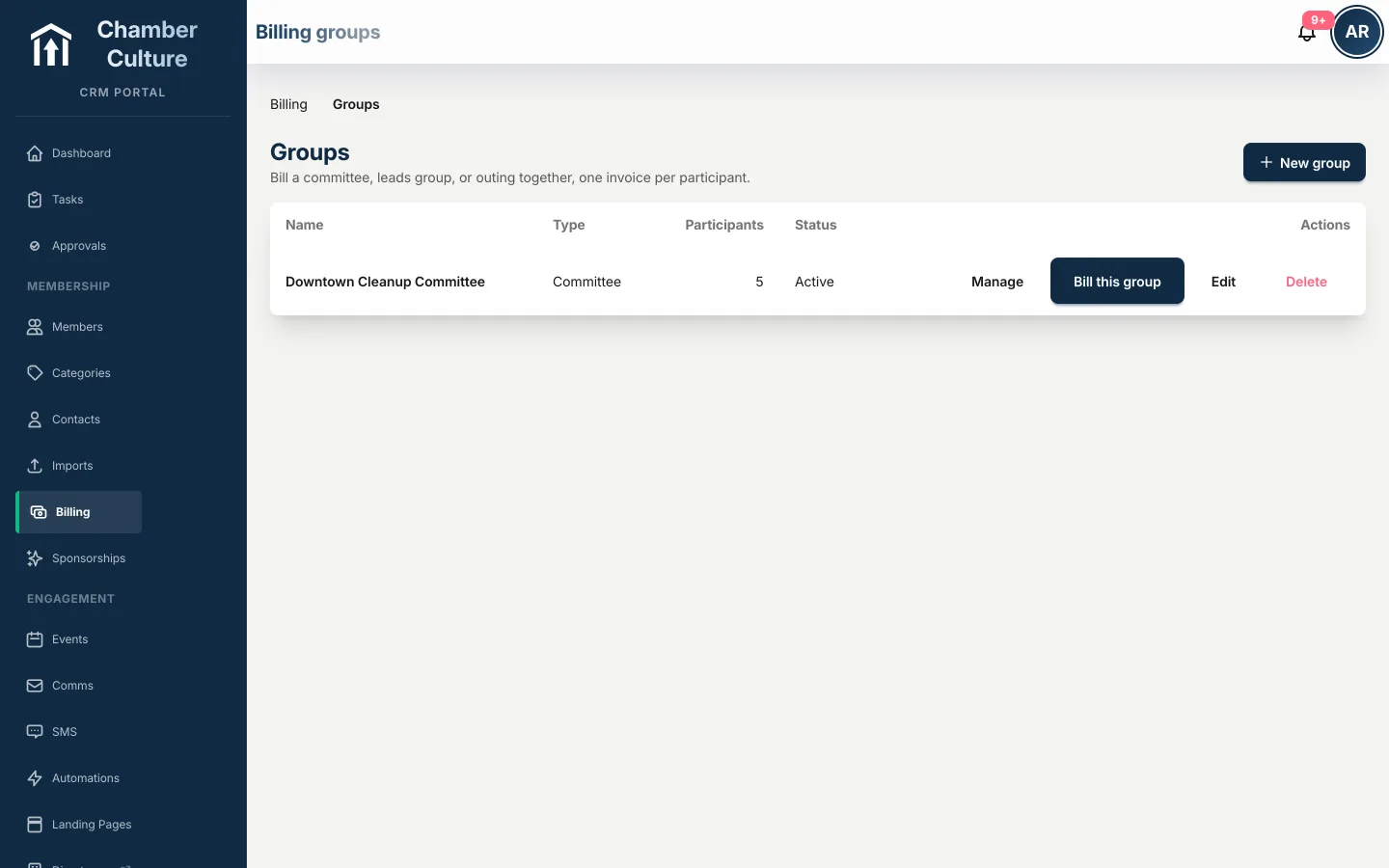
Invoice a committee, a leads group, or a golf outing with a different amount for each person, and every participant gets their own pay link. No more one invoice you chase five different ways.
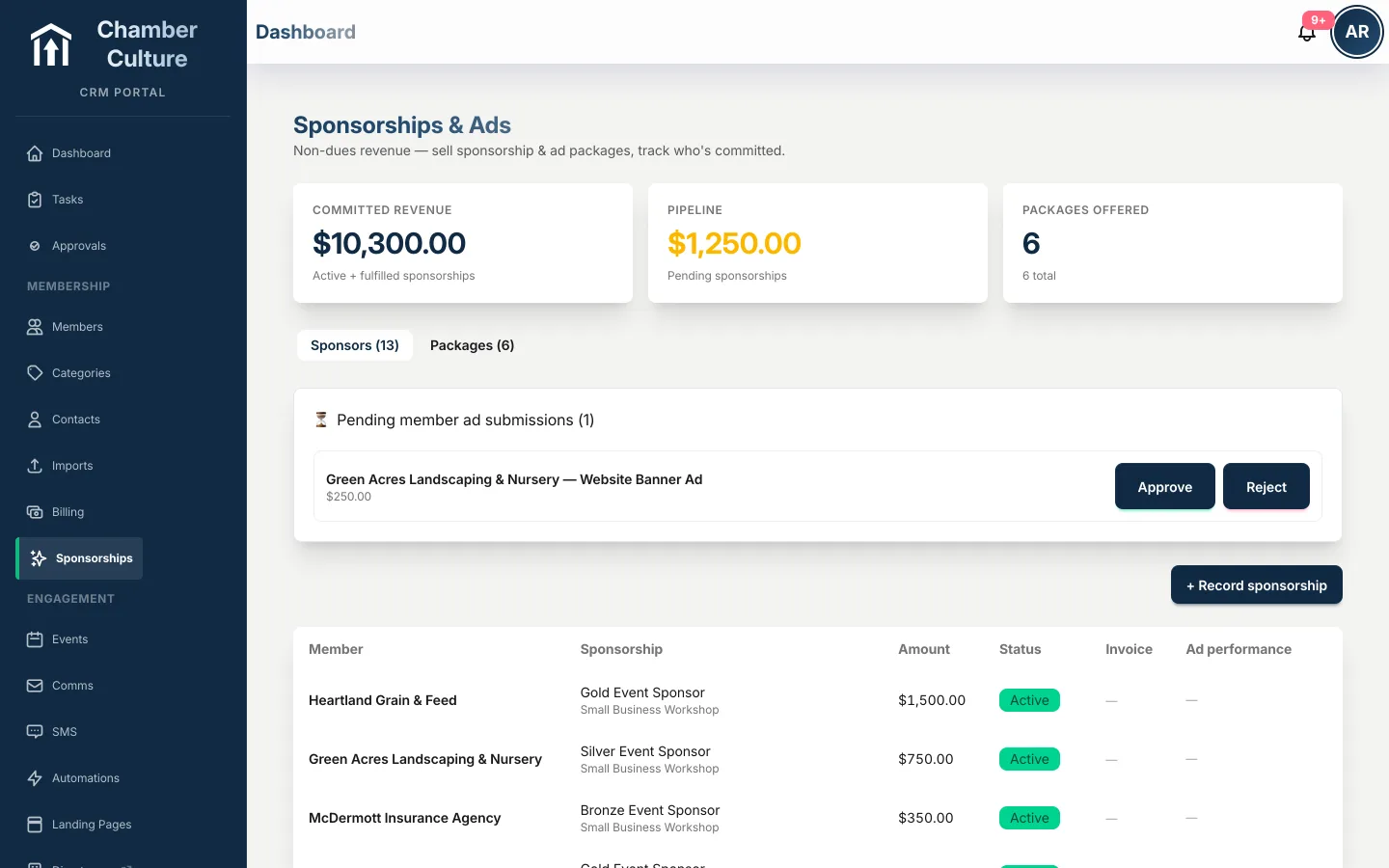
Set Gold, Silver and Bronze sponsorship levels with per-event pricing, and sponsor logos appear on the event page the moment they're sold. Invoicing is automatic, and sponsor rosters and reports are one click away: non-dues revenue that often out-earns ticket sales.
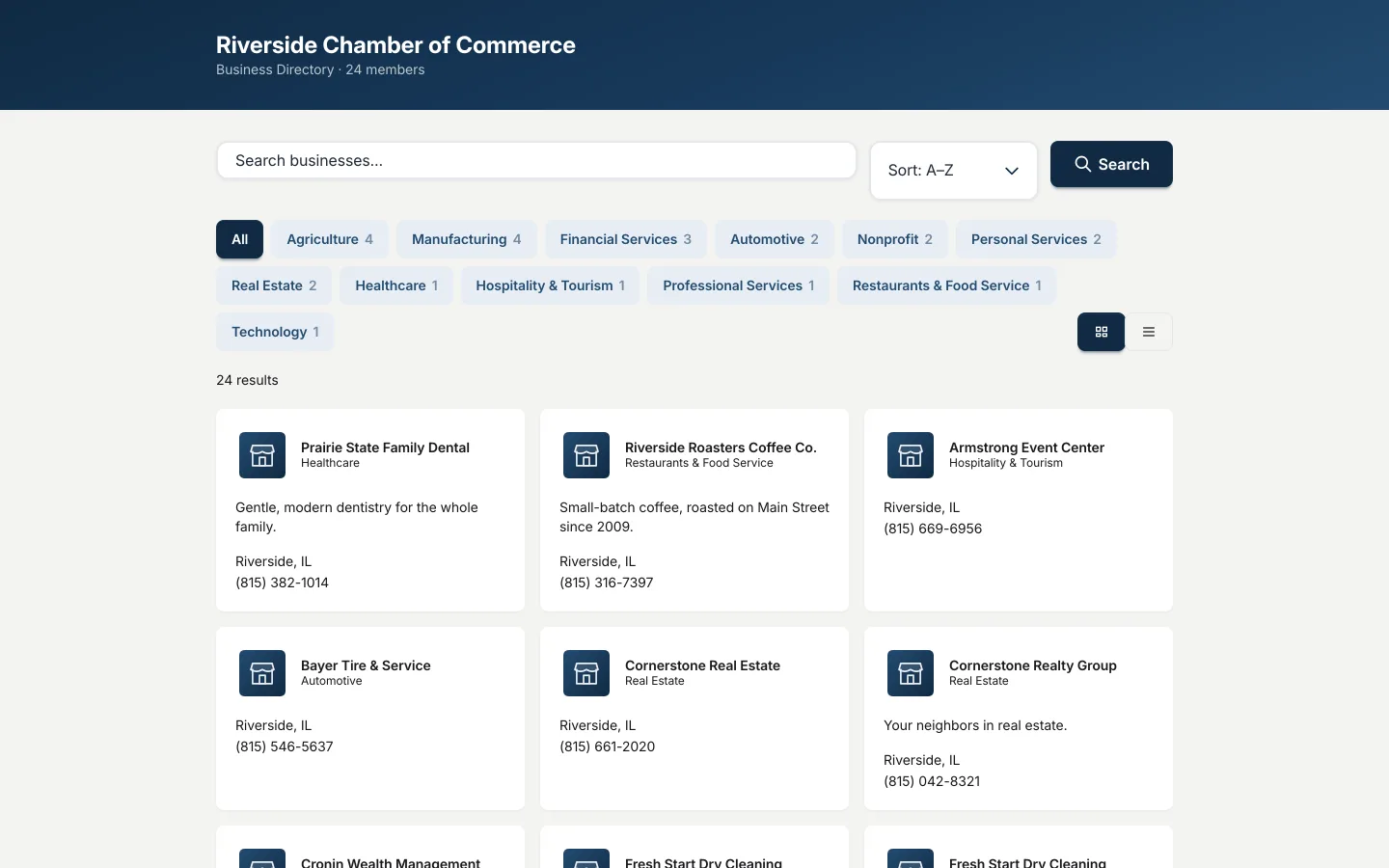
Offer a paid upgrade that gives members priority placement, a logo, video, a photo gallery and a full profile. It's opt-in, you set the price, and it becomes recurring non-dues revenue instead of a one-time ask.
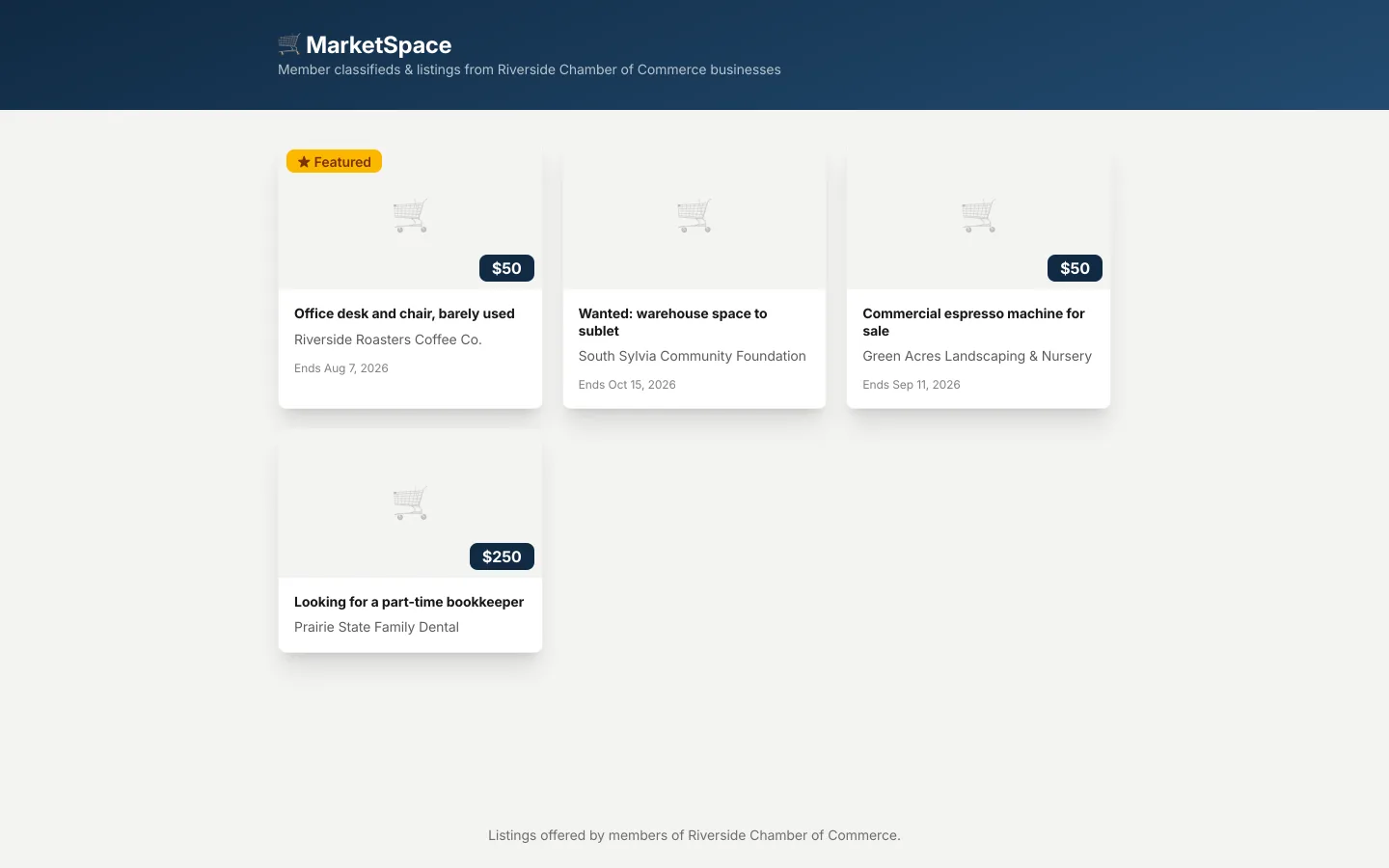
MarketSpace is member-to-member classifieds, buy, sell, trade, on the same submit-and-approve flow as your hot deals and job postings. One more reason members open the directory.
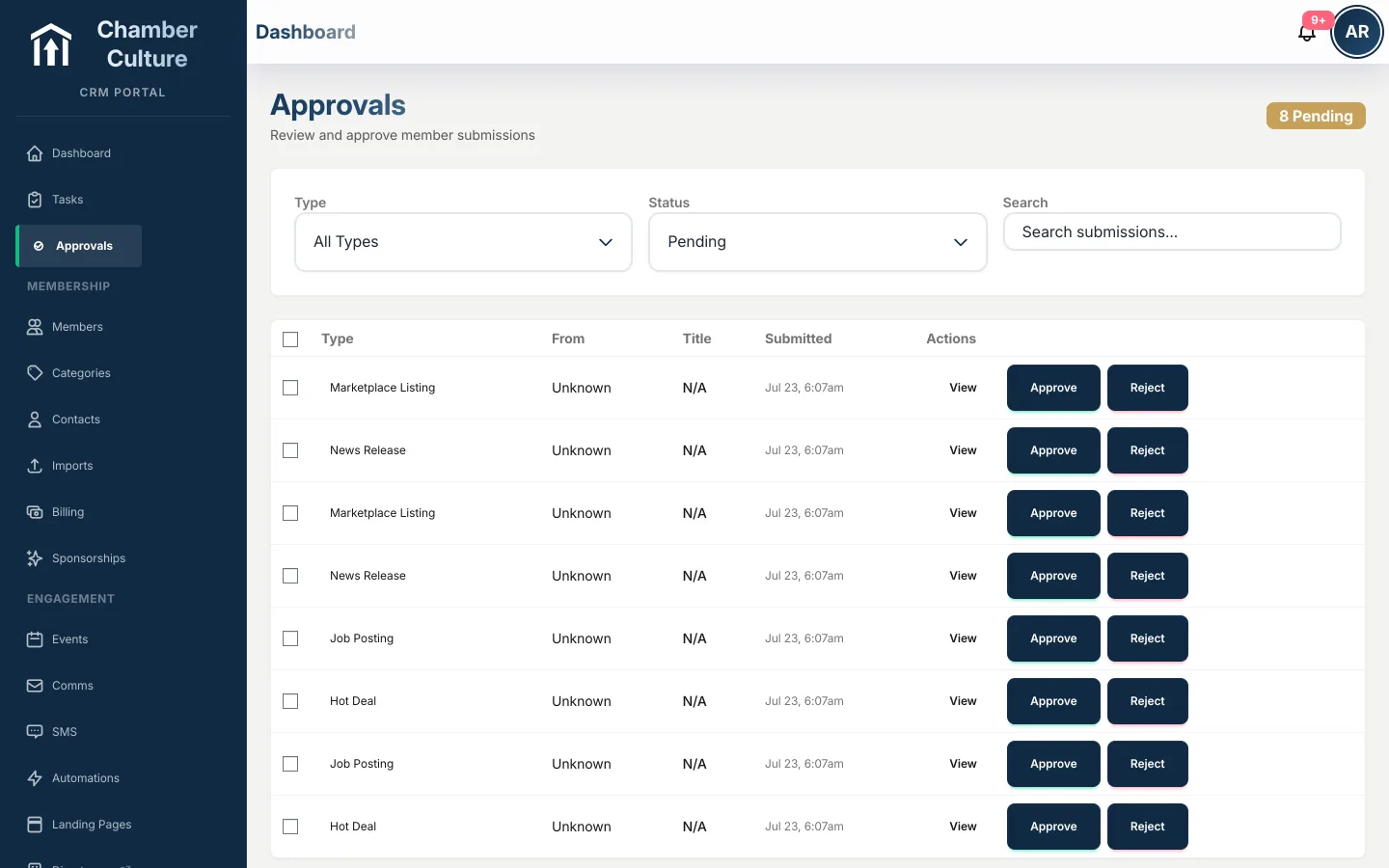
Deals, jobs, news, classifieds, sponsorships: everything members submit lands in a single approval queue. Approve or reject in one click, or auto-approve paid submissions so revenue never waits on staff.
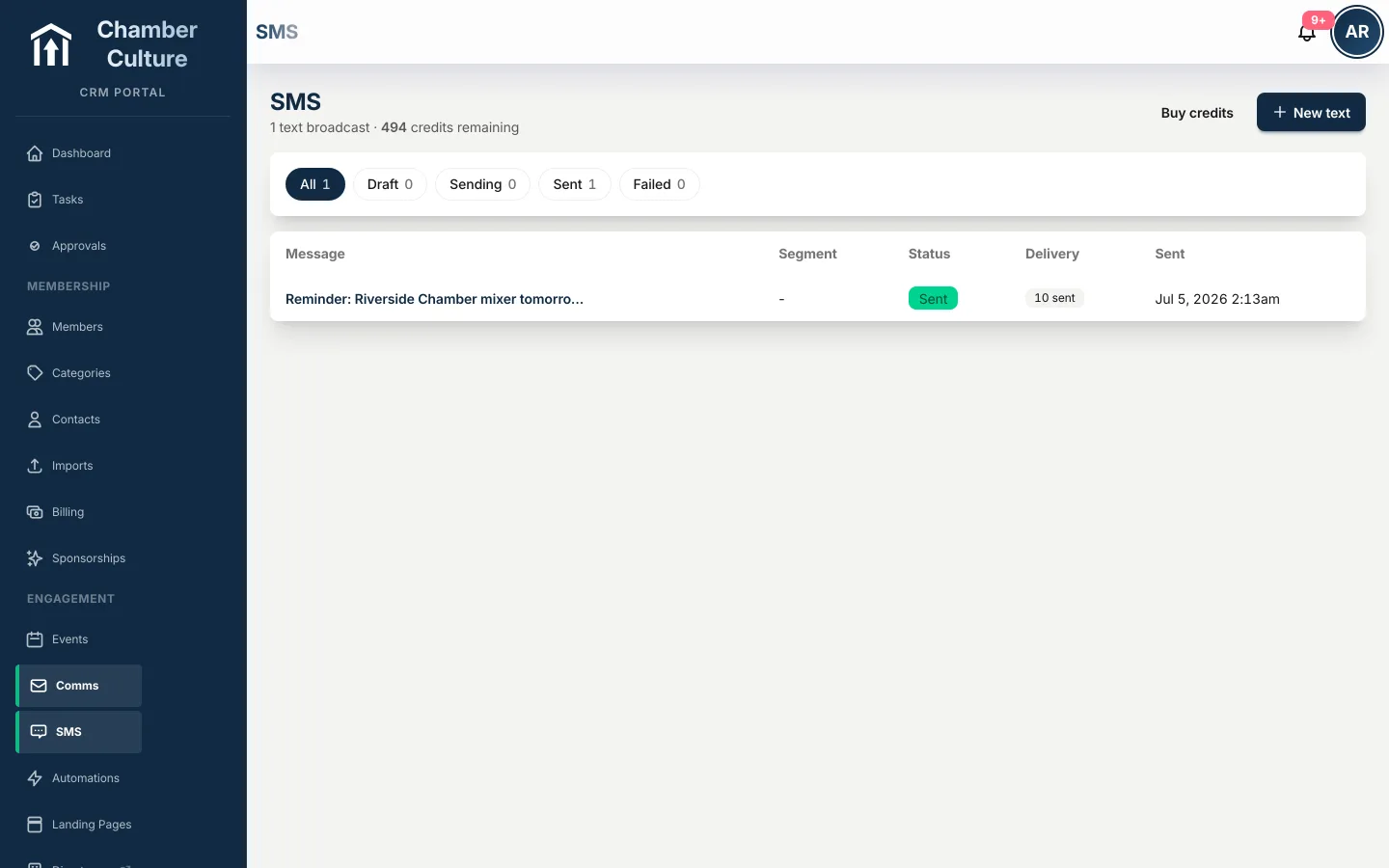
Send SMS broadcasts and event reminders metered by prepaid credits, with opt-in and STOP compliance built in. Text messages get opened when email doesn't, for the moments that matter most.
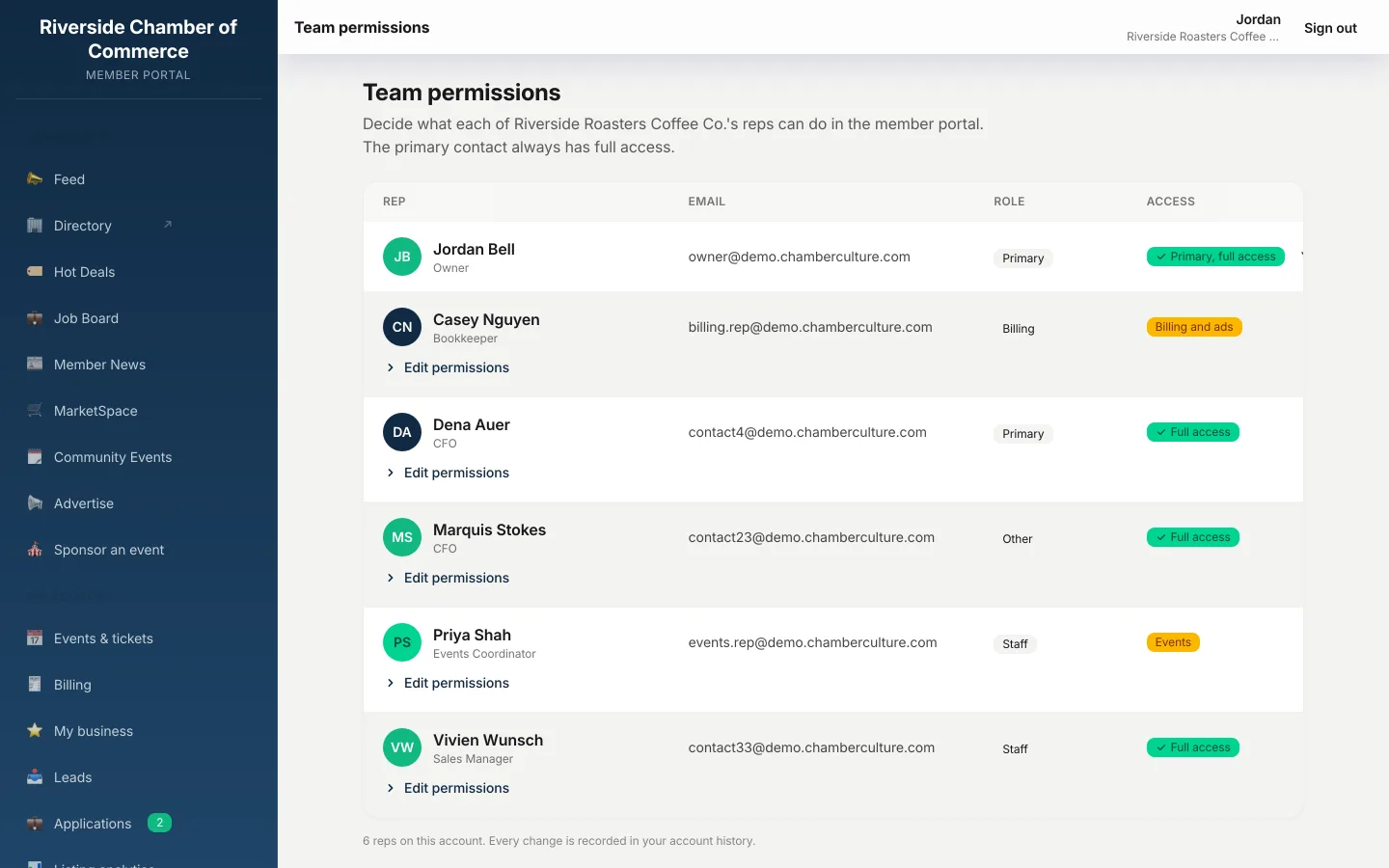
Give each person at a member business exactly the access they need: the office manager pays bills, the events coordinator registers for events, and nobody sees more than they should. Every change leaves an audit trail.
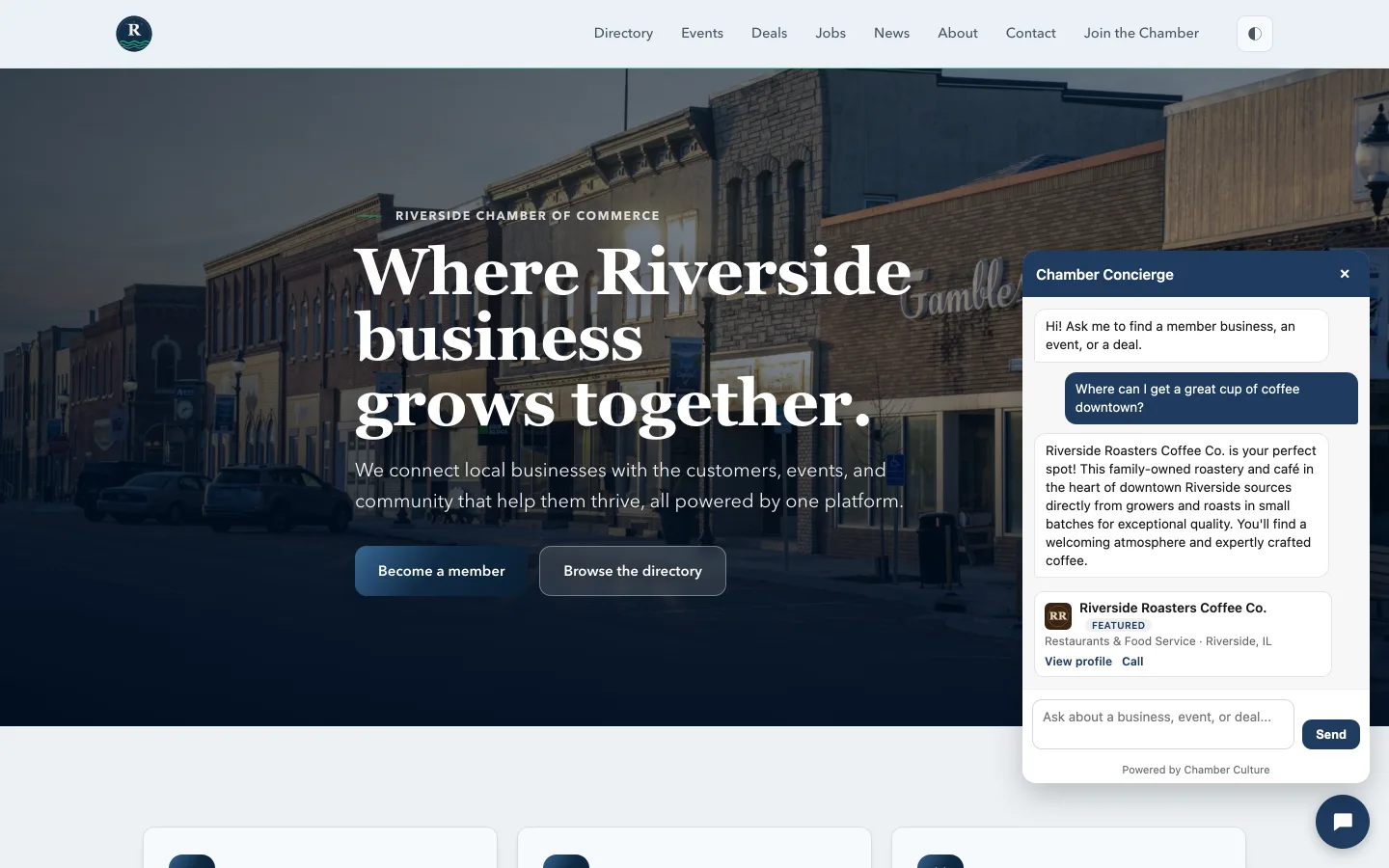
Put a public AI concierge on your chamber website. It answers a visitor's question in plain language over your live directory, events, and deals, then hands them the right member, one tap from a call. Grounded in your real members only, cost-capped, and every match is a tracked lead. See how the concierge works → All of the AI, in one place →
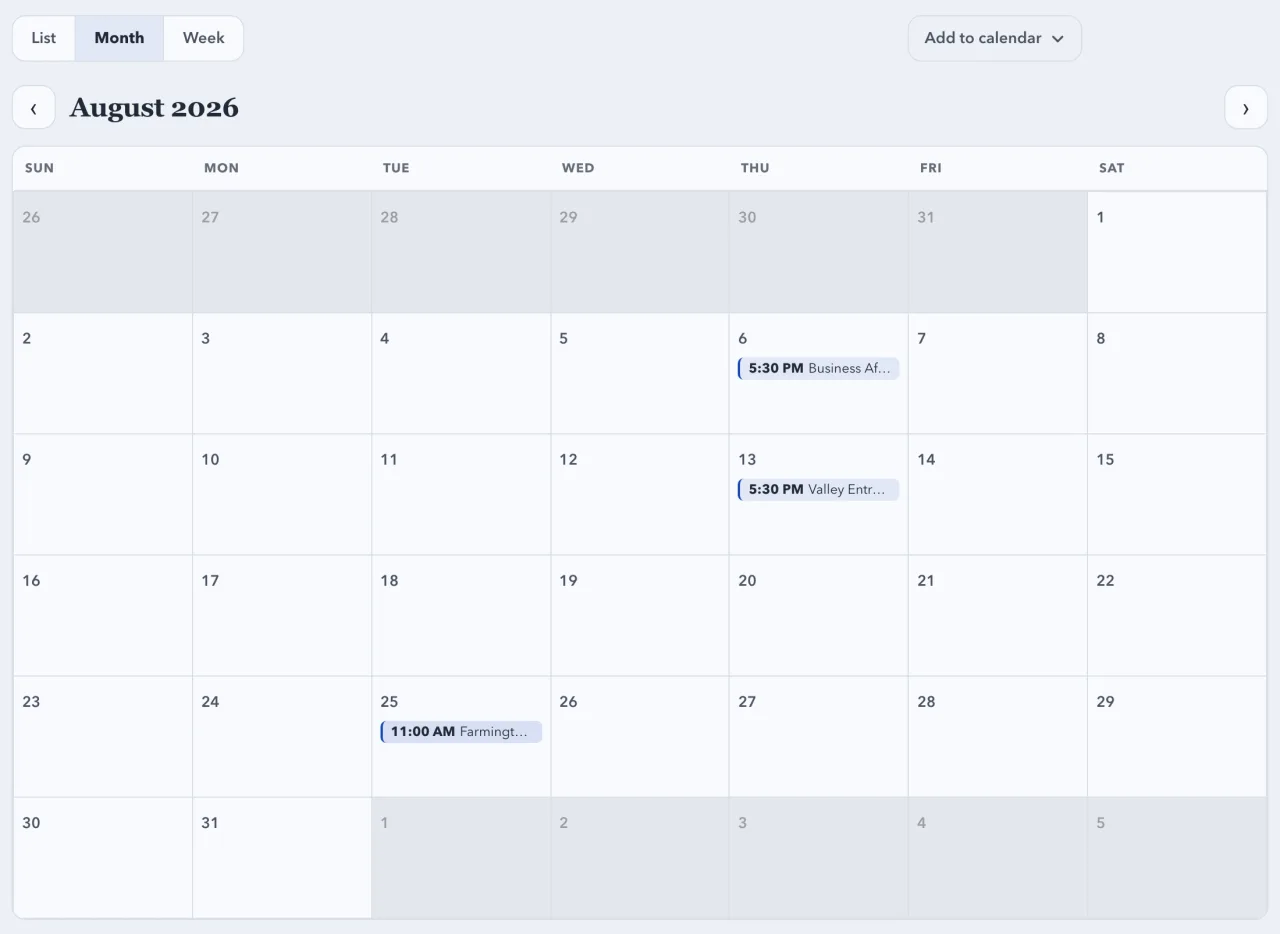
On every Chamber Culture Site, the events page is a real calendar: flip between a List agenda, a Month grid, and a Week view, each opening on the next period that has an event. One Subscribe button hands the whole chamber calendar to a visitor's Apple, Google, or Outlook calendar as a live feed that keeps itself in sync, plus Add to Google Calendar and Download .ics, and every single event still has its own add-to-calendar. It is edge-rendered and works even with JavaScript off, on your chamber's own domain. See it live on a chamber site →
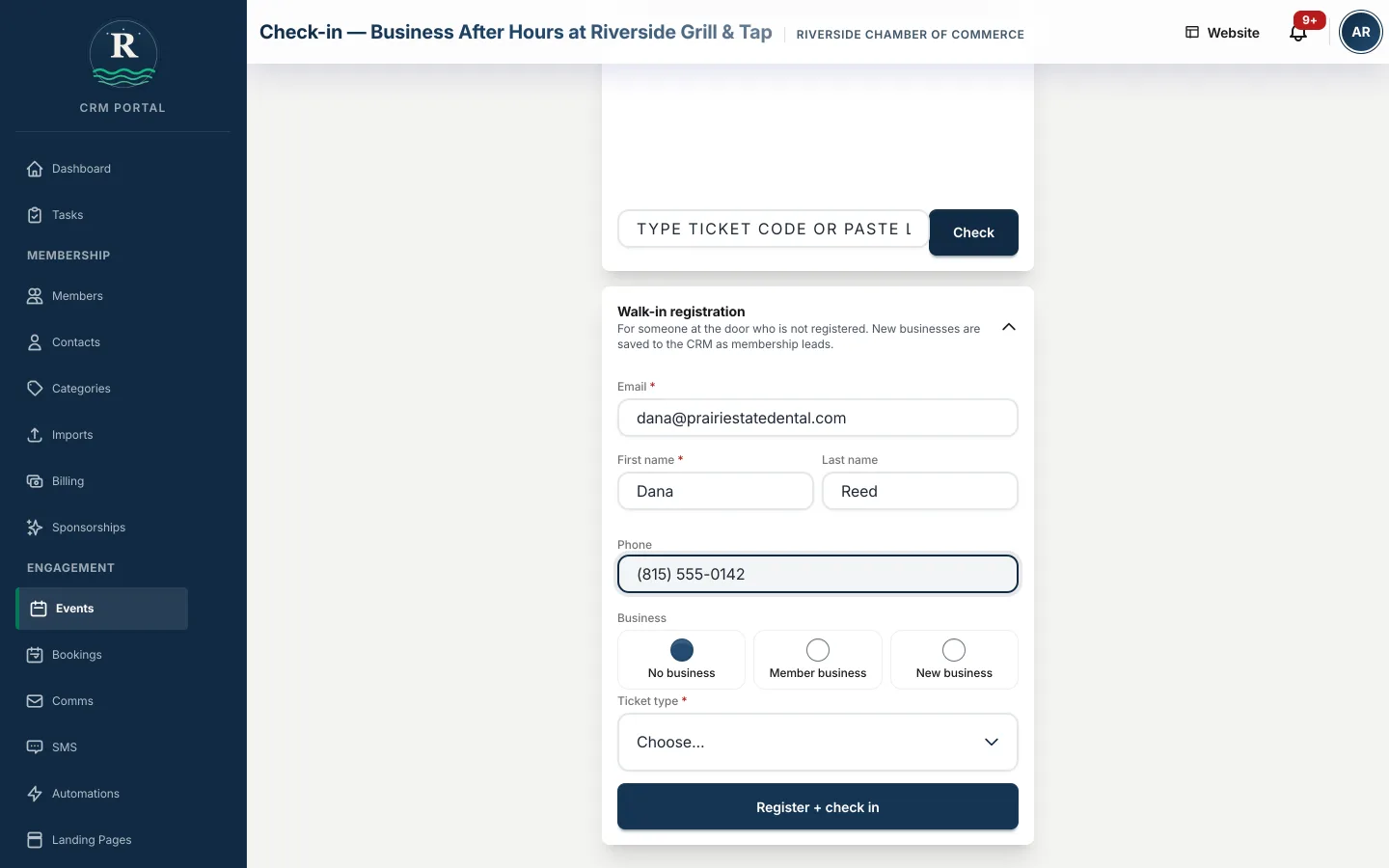
Someone shows up without a ticket. Type their name, attach them to their business or start a new one, and they are checked in before they have found a seat. A walk-in who is not a member lands in your contacts labeled as an event attendee, so the next membership conversation starts from a list instead of a memory.
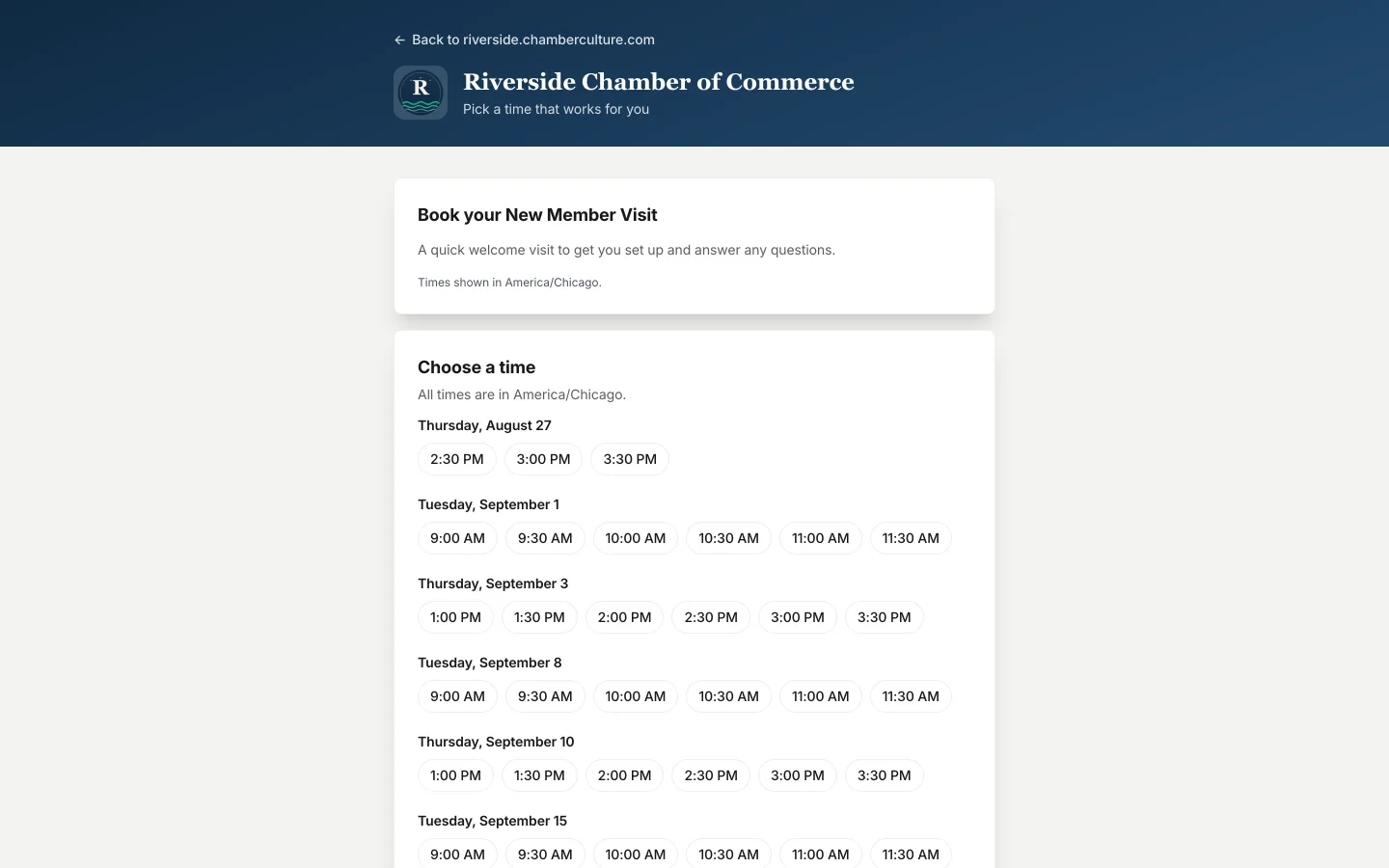
Your chamber gets a public page where a prospect books a New Member Visit against your real availability. Both sides get a confirmation, the visitor gets a reminder and a signed cancel link, and a member who is already signed in never retypes their details, so the visit lands on their record. Link it from anywhere or drop it on your Chamber Culture Site. Book a slot on the demo chamber →
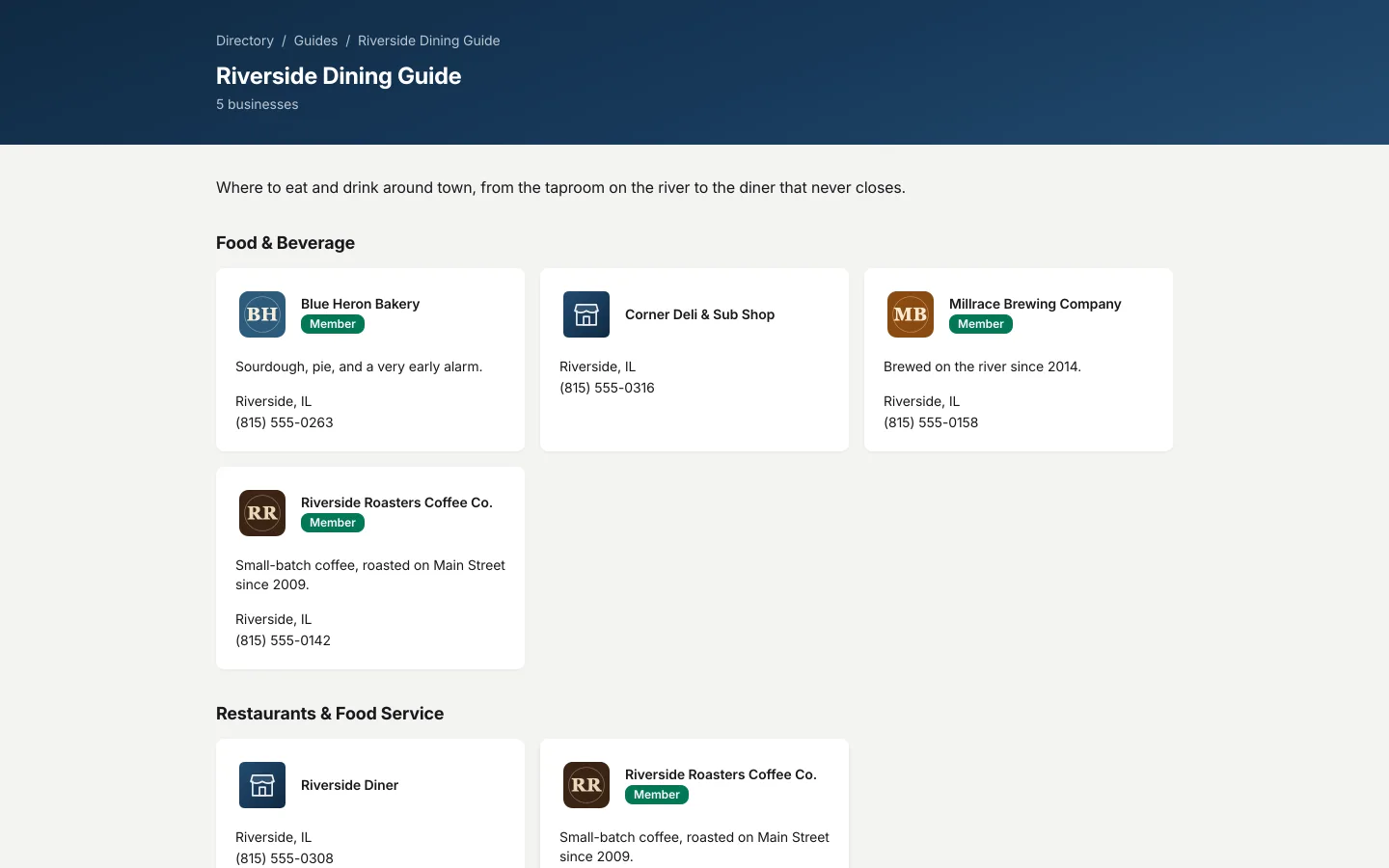
Curate a Dining guide or a Things To Do guide straight from your directory. Members and non-members can sit side by side: members get the badge and the full profile, non-members get a plain listing and a Claim this listing button, which is a reason to join that you did not have to write. See the Riverside dining guide →
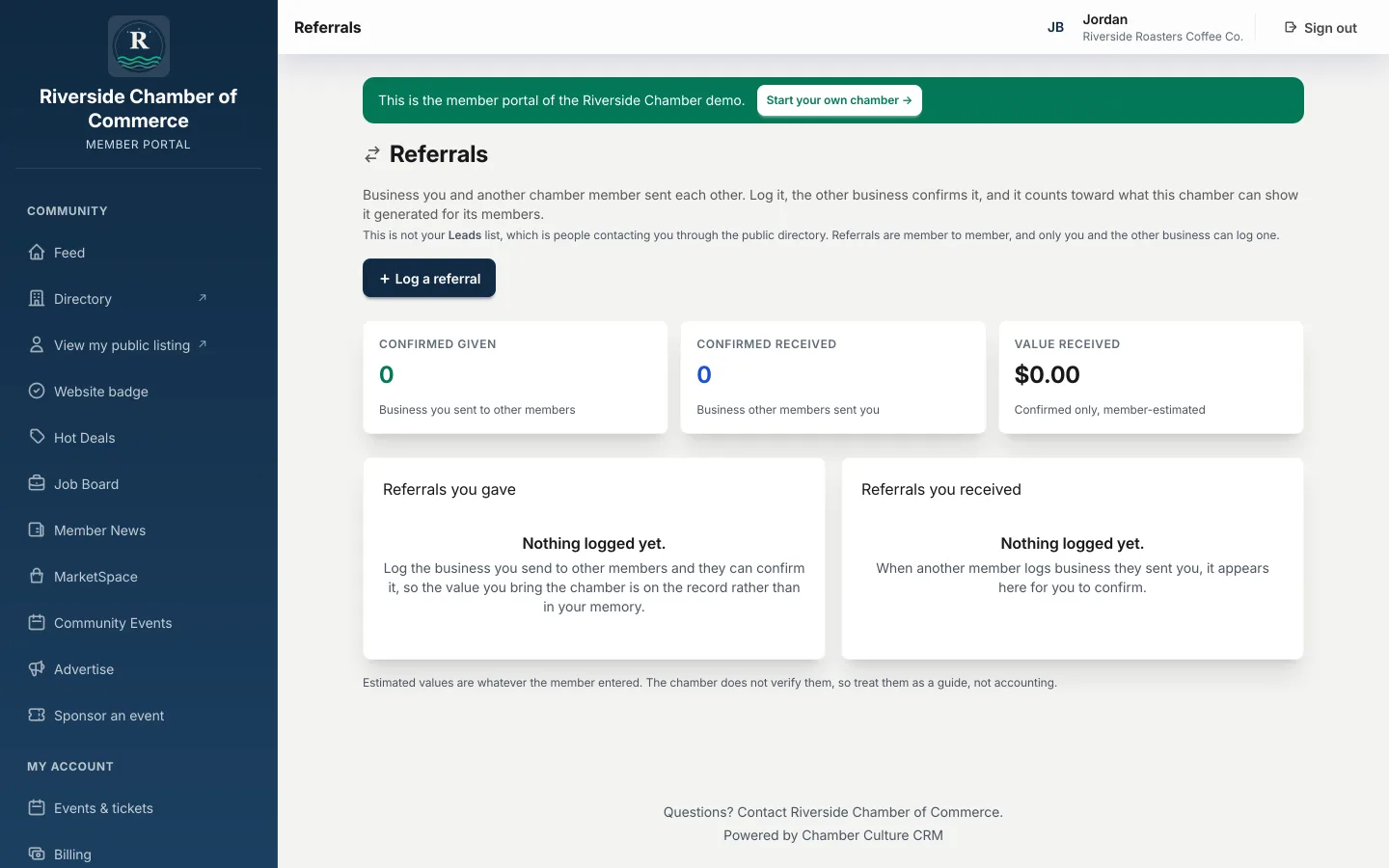
A member logs a referral to another member from their portal, and the other side confirms or declines it. You get the whole picture of who is sending whom work across the chamber, which is the renewal argument you have never been able to make with numbers before. More on chamber member portal software →
A member record that holds a business with its contacts and reps beneath it, dues and invoicing with online payment and autopay, events with member pricing and check-in at the door, email to segments of your own roster, a public member directory generated from that same roster, a member self-service portal, and reporting your board can read. Chamber Culture CRM covers all of those, with AI drafting, plain-English reporting and at-risk alerts included rather than sold as a module.
It is included at every plan. AI drafts member communications in the chamber's own voice, answers reporting questions in plain English, and flags members who look likely to lapse with a suggested next action. There is no separate AI line item and no higher tier required to reach it.
Yes. A public chamber website with a searchable member directory, an events calendar and member pages is included with the CRM rather than sold as a separate product, and it is generated from the same member record, so a change in the CRM appears on the site without anyone maintaining it twice. Chambers that would rather keep their existing website can embed the same directory and events instead.
Yes. Chamber Culture CRM is bring-your-own-gateway: Stripe, PayPal, Authorize.Net, Elavon, and for the Philippines Maya and PayMongo, your own account, your own negotiated rate, and no platform markup on top of what your processor charges. Dues, event tickets and invoices all settle into the chamber's own account.
Pricing is published: $150/mo under 500 members, $300/mo for 500 to 2,000 members, and $500/mo for 2,000 to 10,000 members, billed month to month with the chamber website included. No quote request, no annual contract. See pricing →
Create your chamber in minutes. No sales call, no "request a quote."